4-112 CONTROL ITEMS
GGS-000548-01E iPASOLINK EX Advanced: Operation & Maintenance
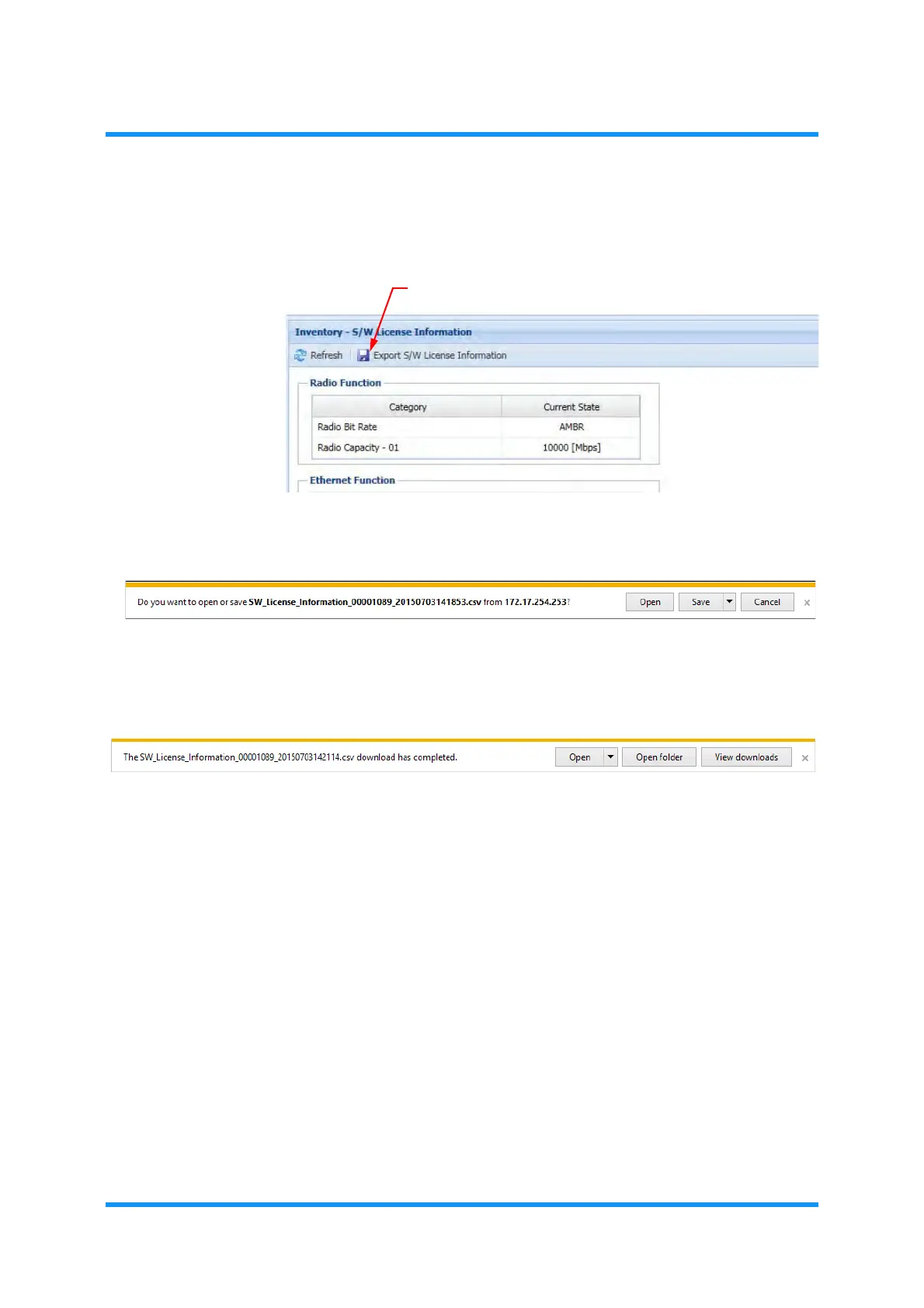
2. To save the Inventory Information, click the Export S/W License Information
tool button, if required.
Figure 4-191 Location of Export Button
3. File Download option window appears. Click the Save button.
Figure 4-192 File Download Option Window
4. When completed, Download Complete window appears. Click the Close
button.
Figure 4-193 Download Complete Window
5. Confirm that the License Information file is saved in the selected folder.
This step ends the procedure.
Export S/W License Information tool button



 To Next Page