CORRECTIVE MAINTENANCE 5-13
iPASOLINK EX Advanced: OPERATION & MAINTENANCE GGS-000548-01E
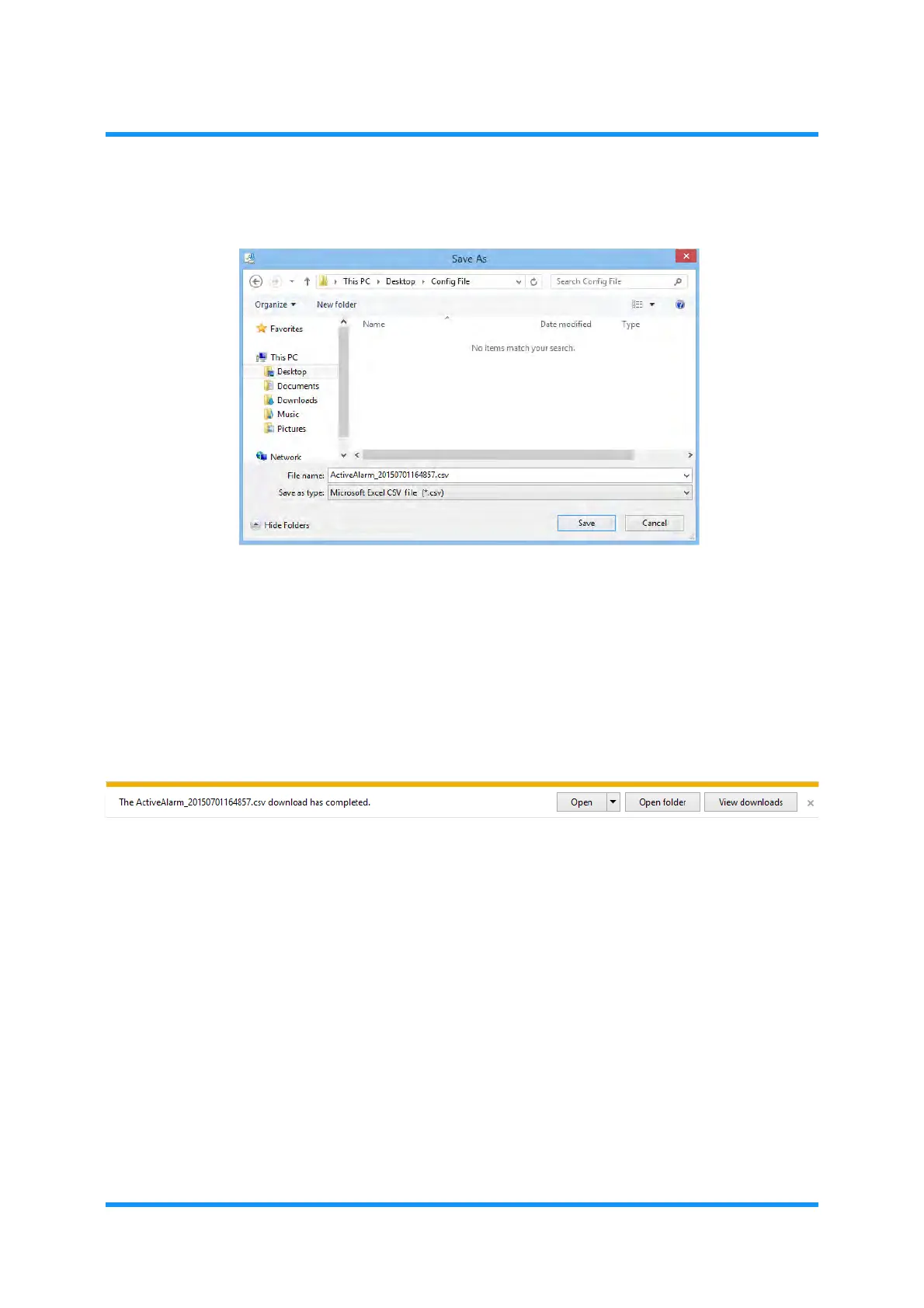
3. Specify the directory to save the information, then click the Save button:
Figure 5-9 Save As Option Window
A file name is specified by default using the name of information type and saving
date,
e.g., an example above shows that the Active Alarm data is saved on
October 8th, 2010 at 12:59:34 pm. [
ActiveAlarm_YYYYMMDDhhmmss.csv,
where
YYYY indicates the year using four digits, MM indicates the month, DD
indicates the day, hh indicates the hour, mm indicates the minute, and ss
indicates the second.]
4. When the process is completed, the Download complete window appears.
Click the
Close button of the window.
Figure 5-10 Download completed Window
5. Check the specified directory for the data if they are properly saved.
This step ends the procedure.



 To Next Page