1-6 OPERATE WebLCT
GGS-000547-01E iPASOLINK EX Advanced: SET NETWORK AND SYSTEM PROVISIONING
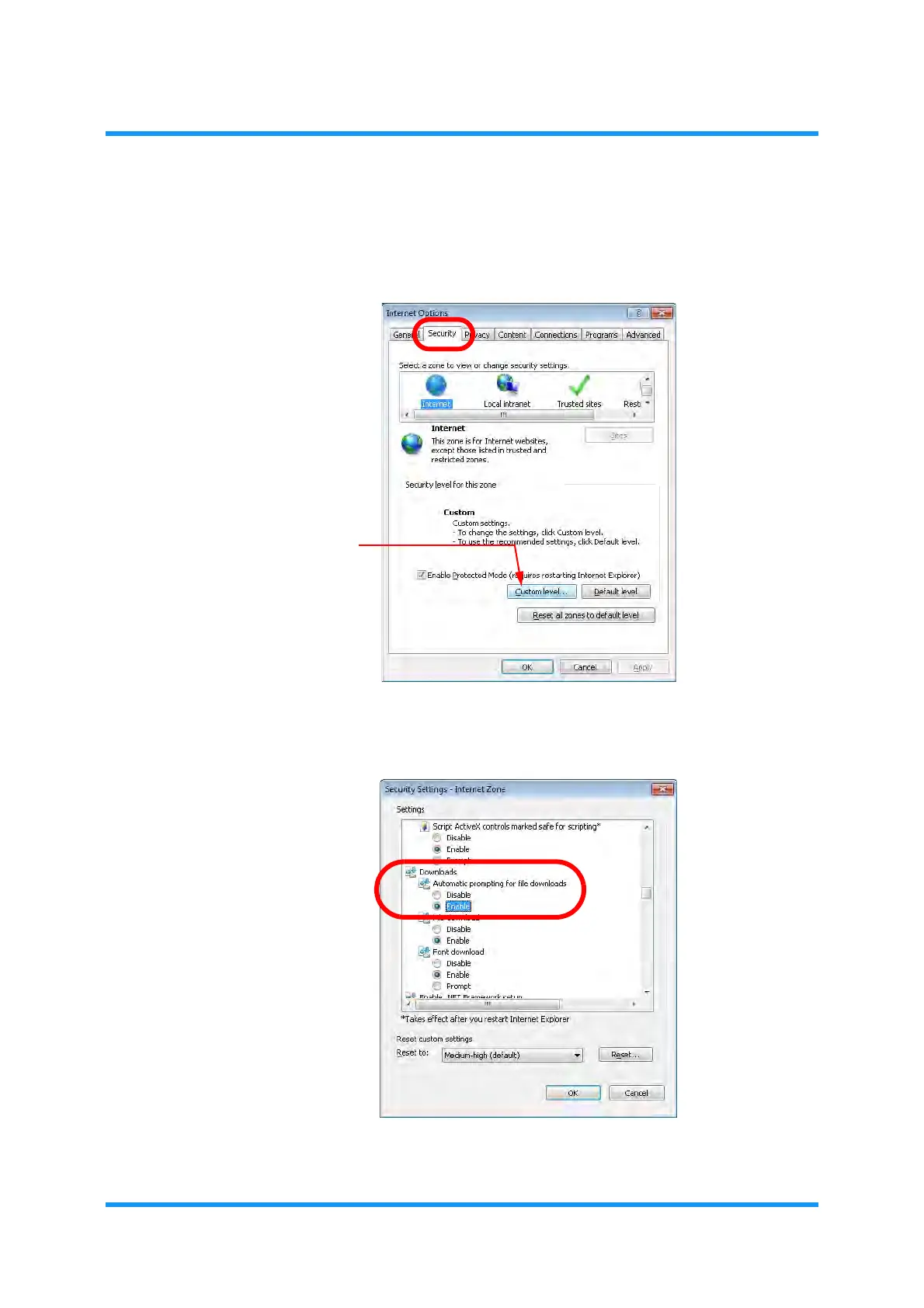
Procedure 1-2 Set Security Options
1. Click Security tab to show the security options, and click Custom level
button.
Figure 1-5 Internet Options — Security
2. Security Settings — Internet Zone option window appears. Select Enable for
Downloads — Automatic prompting for file downloads option.
Figure 1-6 Internet Options — Security Settings — Internet Zone
3. Click the OK button.



 To Next Page