OPERATE WebLCT 1-9
iPASOLINK EX Advanced: SET NETWORK AND SYSTEM PROVISIONING GGS-000547-01E
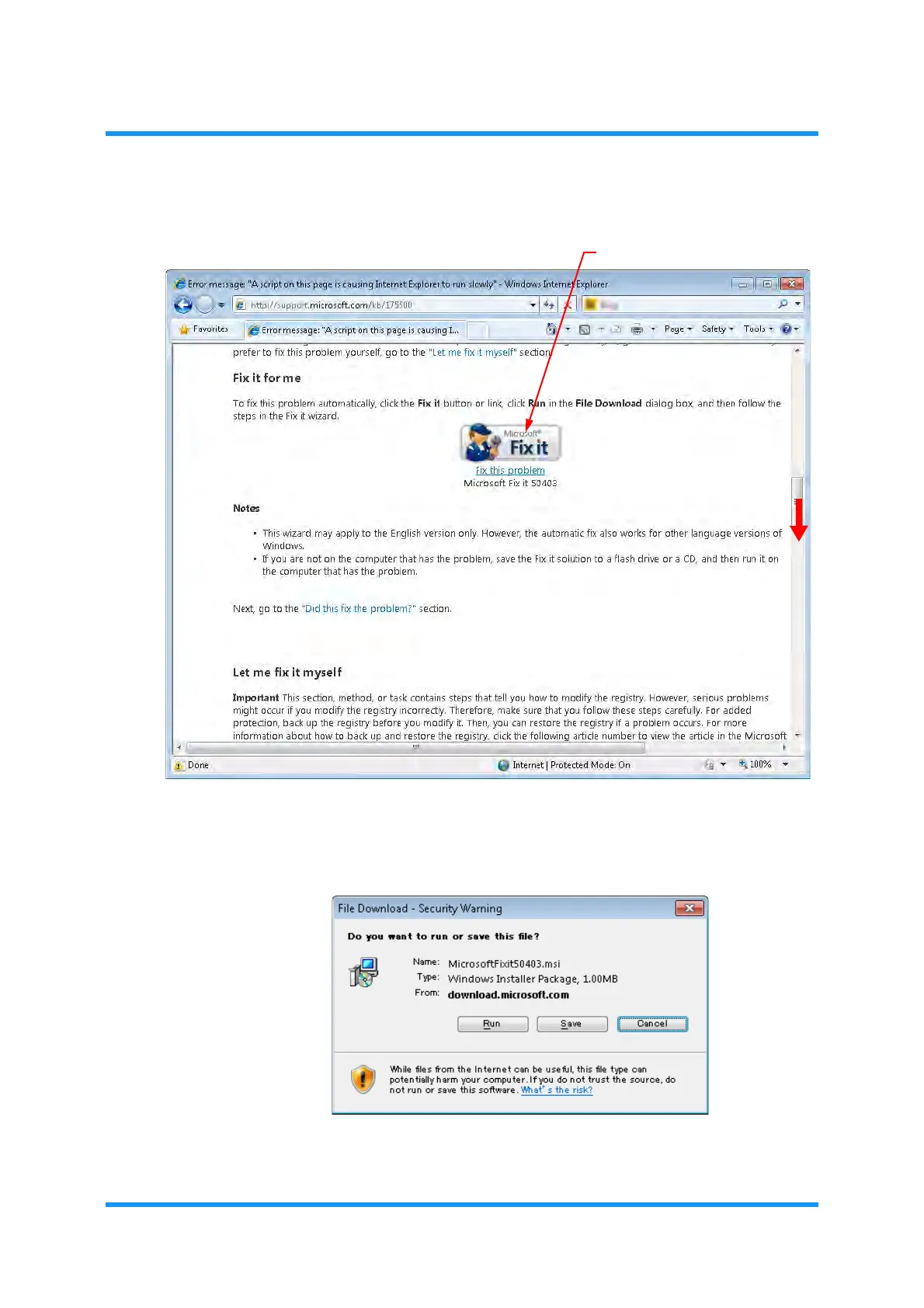
3. Scroll down the page to show the Fix it tool button, then click it.
Figure 1-11 Fix It Window
4. Security Warning dialog box appears. Click the Run button in the dialog box,
and follow the steps in the
Fix it wizard:
Figure 1-12 Security Warning Dialog Box



 To Next Page