Tungsten™ E2 Handheld 84
CHAPTER 5 Moving Info Between Your Handheld and Your Computer
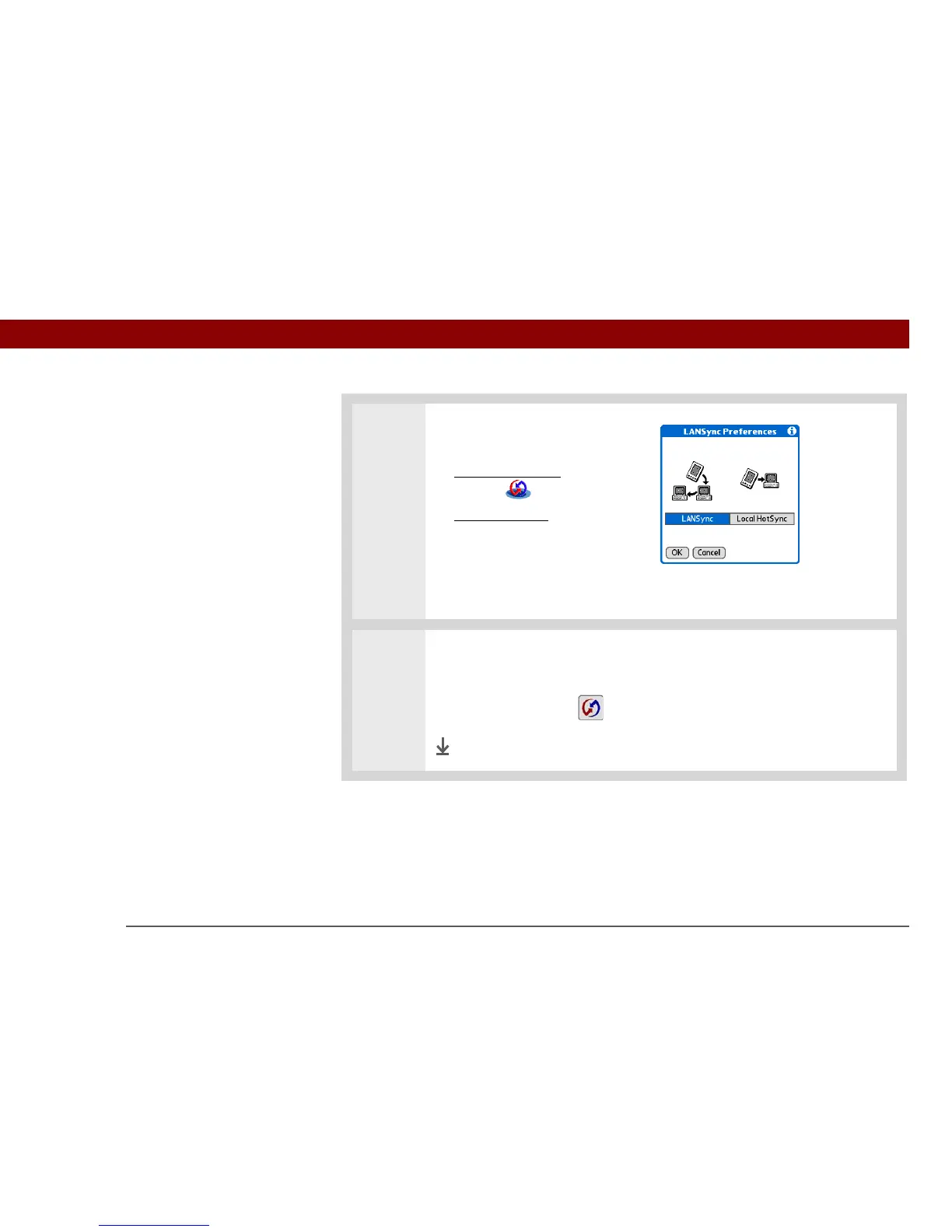
3 Prepare your handheld for
network synchronization:
a. Go to Applications
and select
HotSync .
b. Open the menus
.
c. Select Options, and then
select LANSync Prefs.
d. Select LANSync, and then
select OK.
4 Synchronize over the network:
a. On the HotSync screen, select Local.
b. Tap the HotSync icon to synchronize your handheld with your
computer.
Done



 To Next Page