Tungsten™ E2 Handheld 240
CHAPTER 13 Writing Notes in Note Pad
Setting an alarm
To use a note as a reminder, set an alarm for that note.
0
1 Press the Note Pad button.
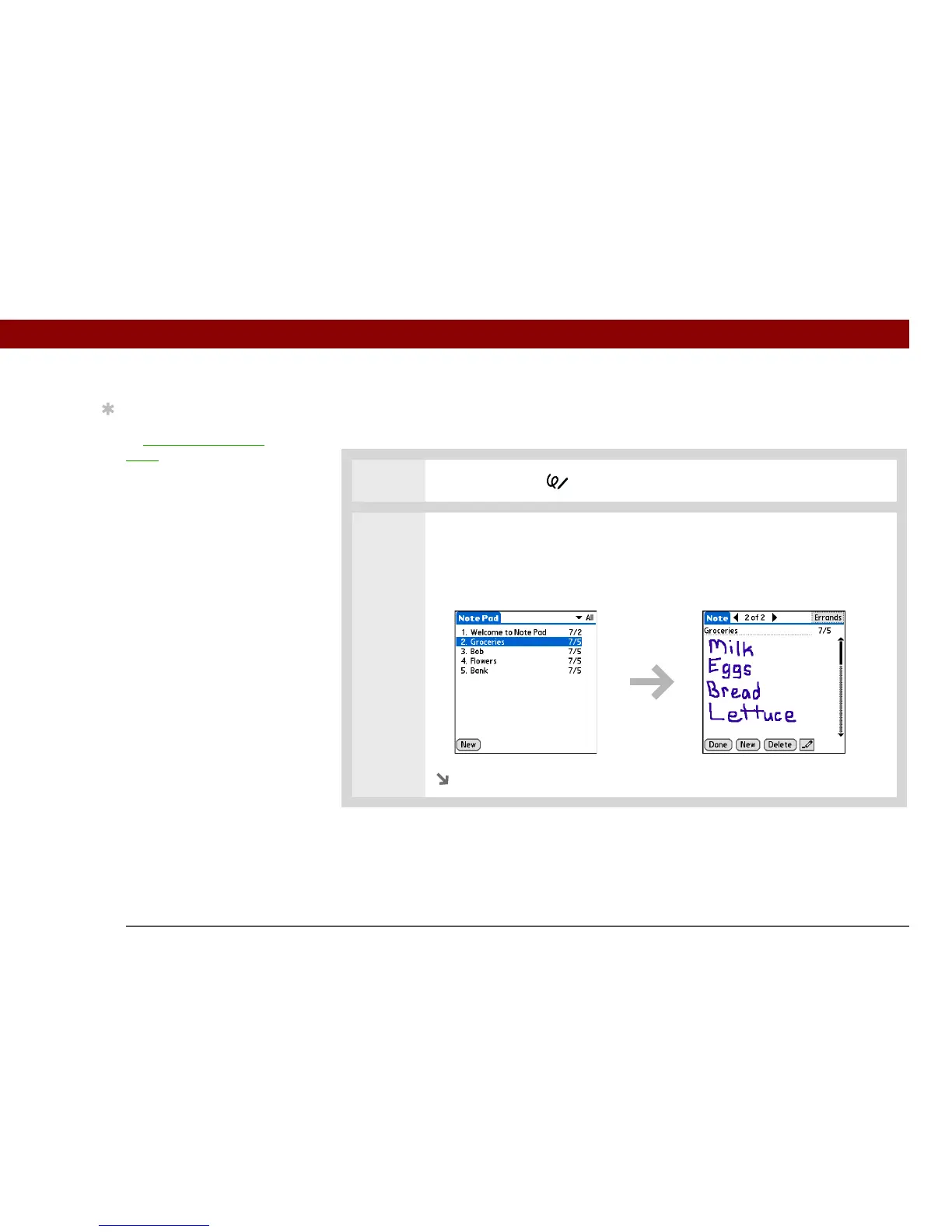
2 Open the note:
a. Select Done to display the Note Pad list.
b. Select the note you want to set an alarm for.
Continued
Tip
Change the alarm sound
by opening the Options
menu, selecting
Preferences, and then
selecting a sound from
the Alarm Sound pick list.



 To Next Page