CHAPTER 8 Managing Your Office Files
Tungsten™ E2 Handheld
171
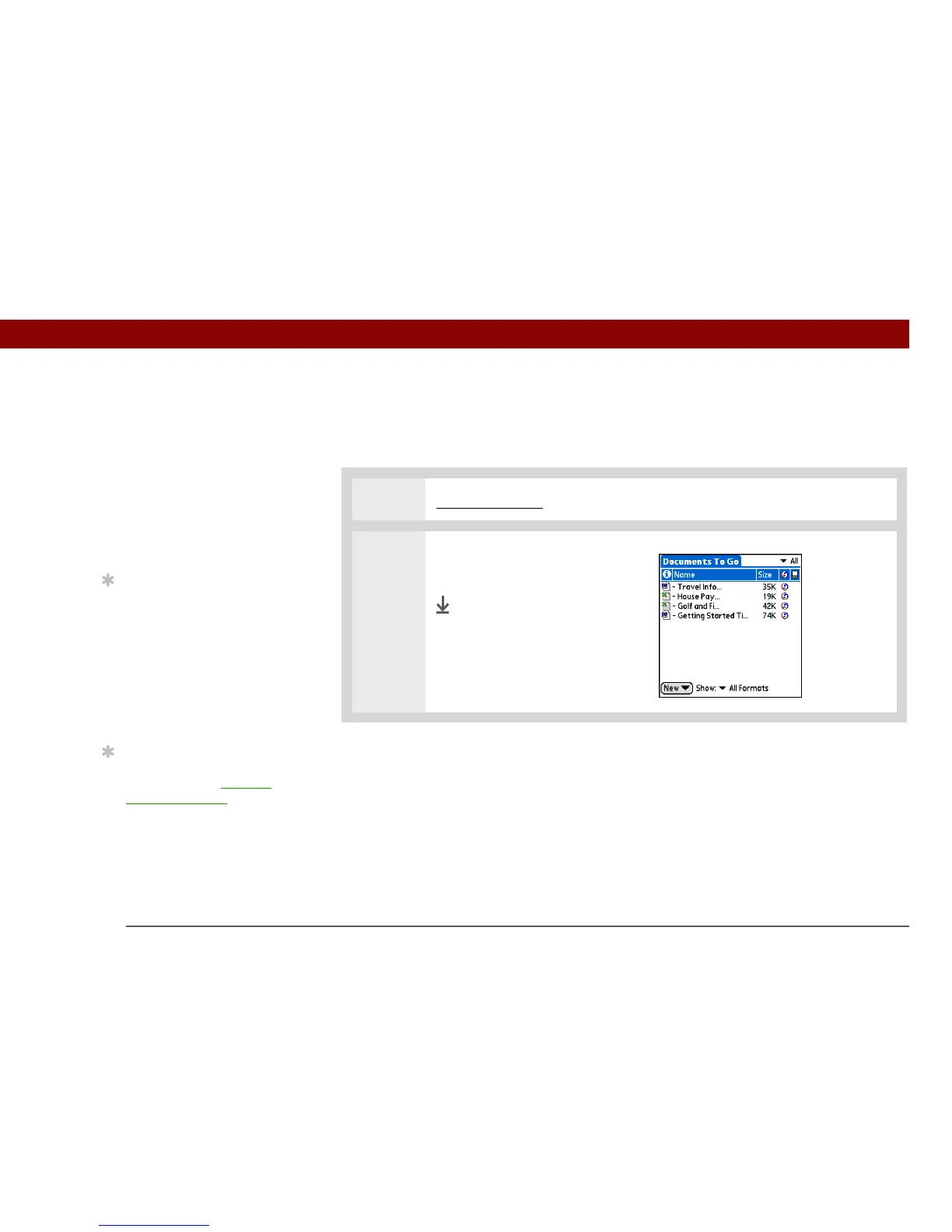
Opening files from within Documents
In the Documents application, you can view and open any Word, Excel, or PowerPoint file on your
handheld.
0
1 Go to Applications and select Documents.
2 Select the file you want from the
list.
Done
Before You Begin
You must install
Documents To Go on
your computer and
handheld from the
Tungsten™ E2 software
installation CD. Insert the
CD and follow the
onscreen instructions for
installing extra software.
Tip
When you are working on
a file, save it to your
handheld or your
expansion card by
selecting Menu, selecting
Save As from the File
menu, and then selecting
the location where you
want to save the file.
Tip
Do you have a file you are
always viewing? Add it to
your Favorites list for
easy access.



 To Next Page