Tungsten™ E2 Handheld 144
CHAPTER 7 Managing Your Calendar
Color-coding your schedule
Use color-coding to quickly spot different types of events. For example, make all your family
appointments green, your work appointments blue, and your appointments with friends yellow.
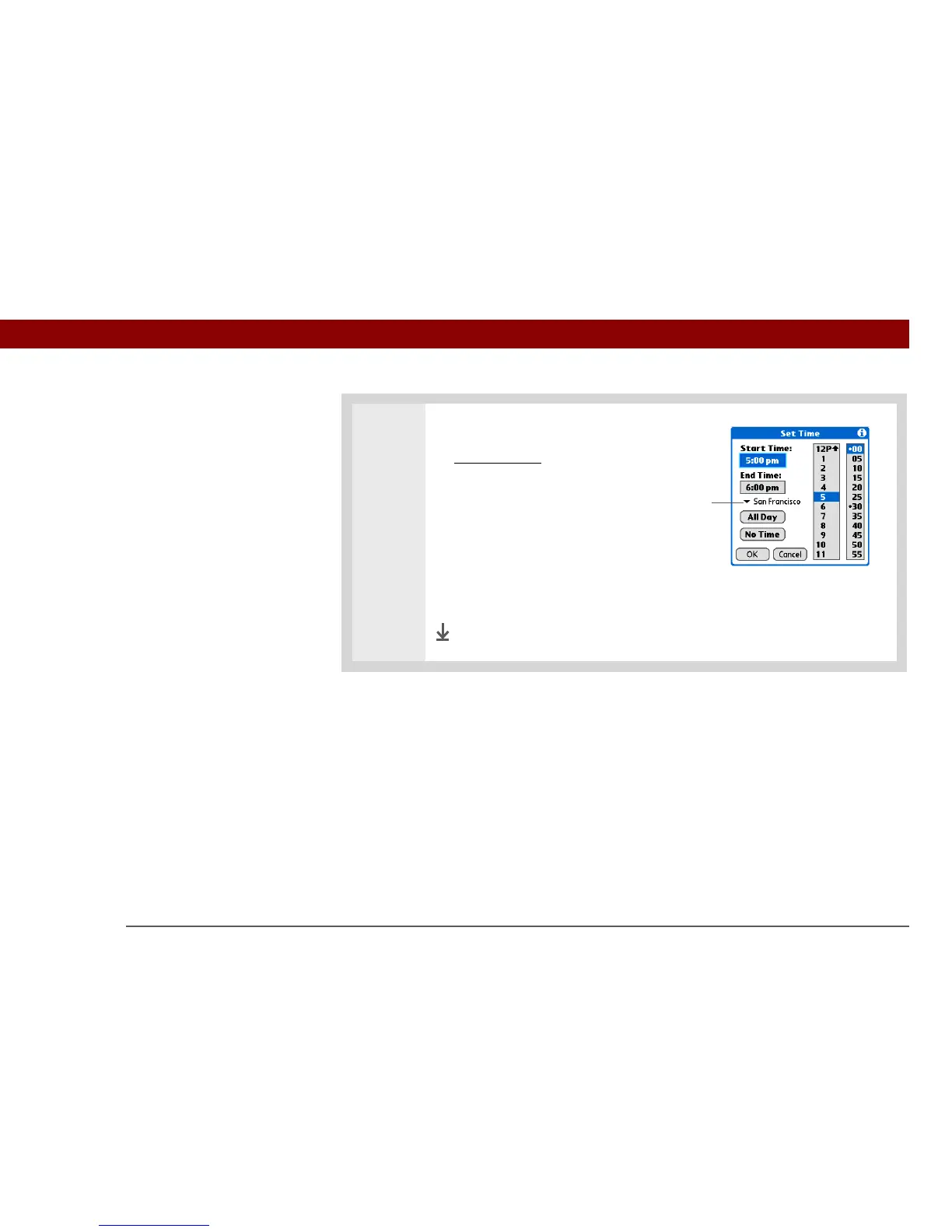
2 Set the time and the time zone:
a. Enter the event
.
b. Set the time for the event as it is
scheduled at the location where
it occurs.
c. Select the time zone pick list and
select a city within the time zone
where the event is located.
d. Select OK.
Done
Time zone
pick list



 To Next Page