Tungsten™ E2 Handheld 55
CHAPTER 4 Entering Information on Your Handheld
Writing Graffiti 2 ShortCuts
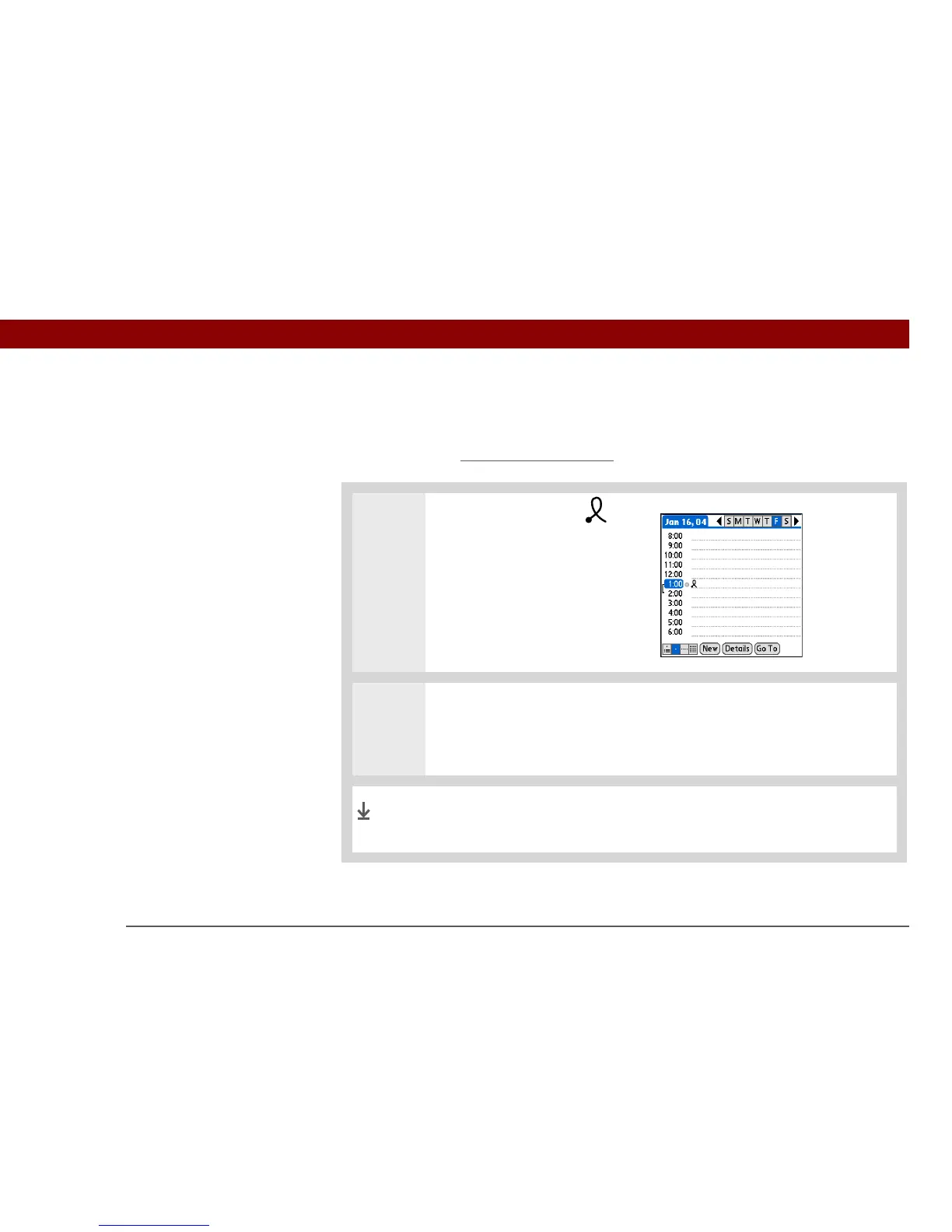
Graffiti 2 contains several ShortCuts to make entering common information easier. For example,
when you write the ShortCut stroke followed by dts, you automatically enter the current date and
time. You can also create your own ShortCuts
.
0
0
1 Write the ShortCut stroke .
This stroke appears at the
insertion point.
2 Write the ShortCut character from the table that follows this procedure.
You can write ShortCuts on the left side of the input area, or across the middle.
The ShortCut stroke is replaced by the text the character
represents.
Done



 To Next Page