Tungsten™ E2 Handheld 391
CHAPTER 17 Browsing the Web
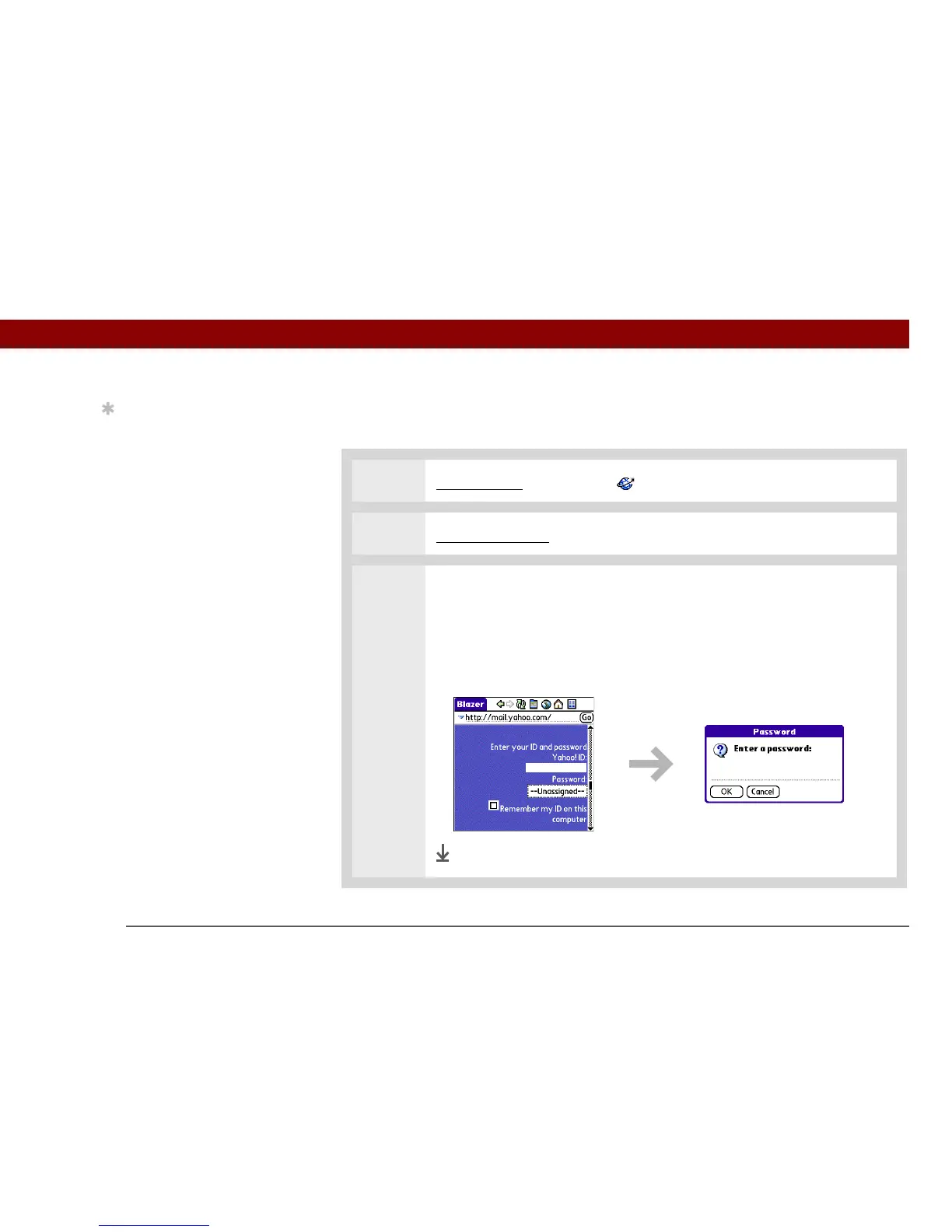
Using a password to access a web page
Some websites require you to use a password to gain access to information.
0
1 Go to Favorites and select Web .
2 Go to the web page where you must enter the password.
3 Enter your password to access the web page:
a. Enter your sign-in name in the appropriate field.
b. Tap in the password box, enter your password, and then select OK.
c. Select the button that lets you view the page (Sign In, Enter, Go, and so on).
Done
Tip
Some websites allow you
to check a box to have
your sign-in name
automatically entered
each time you visit a
particular web page.



 To Next Page