Tungsten™ E2 Handheld 249
CHAPTER 14 Making Bluetooth Wireless Connections
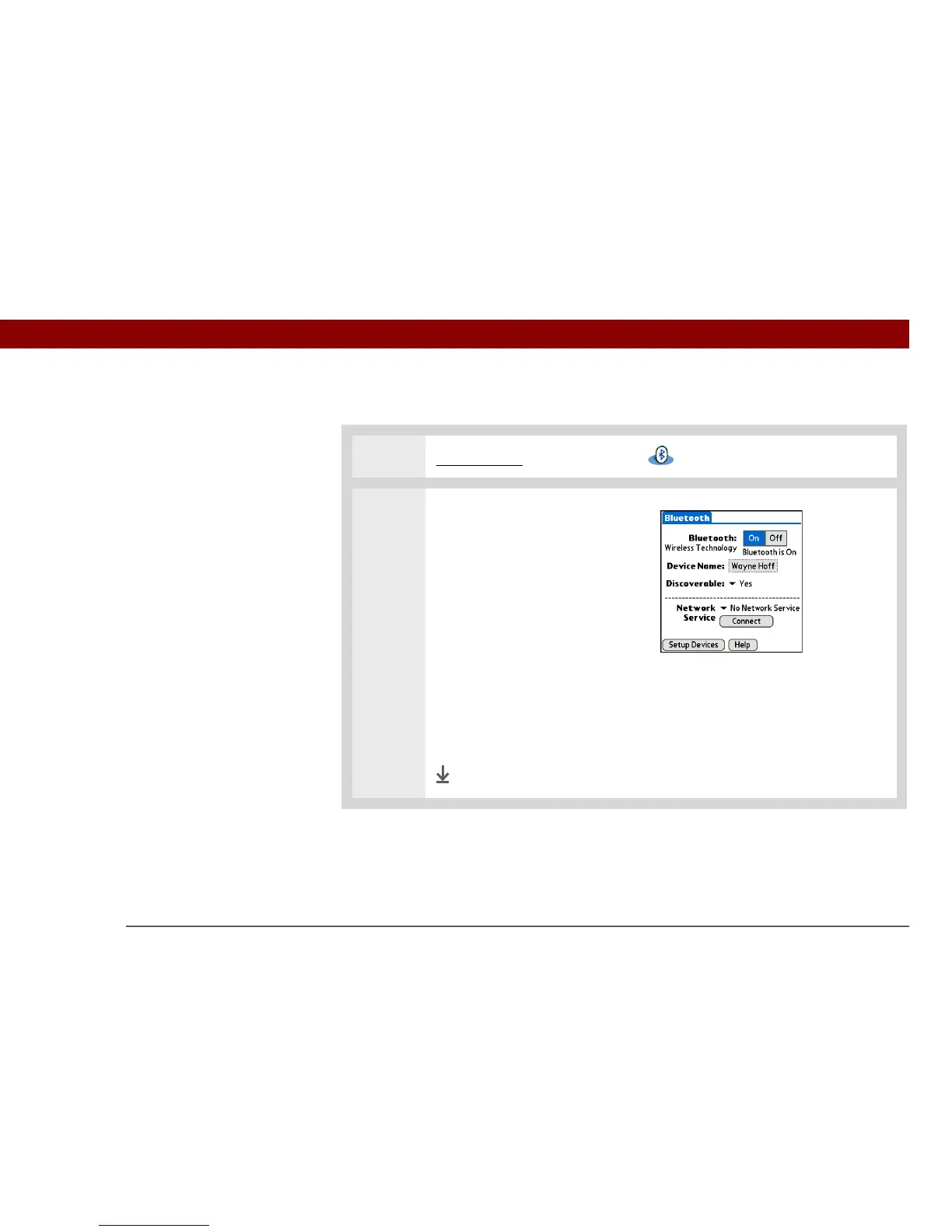
Entering basic Bluetooth settings
0
1 Go to Favorites and select Bluetooth .
2 Enter the basic Bluetooth
settings:
a. Select On.
b. Tap the Device Name field and
enter a name for your
handheld. This is the name
that other Bluetooth devices
see when they connect to
your handheld. By default it is
the username you use during
synchronization, but you can
change it.
c. Select the Discoverable pick
list and select Yes or No.
Done
»
Key Term
Discoverable Setting
that allows other devices
to find and connect with
your handheld using
Bluetooth wireless
technology. If your
handheld is not
discoverable, other
devices cannot find it to
make a connection. Your
handheld must be on in
order to be discoverable.



 To Next Page