Tungsten™ E2 Handheld 53
CHAPTER 4 Entering Information on Your Handheld
Writing Graffiti 2 symbols and other special characters
Symbols and other special characters can be written on either side of the input area, using the
Punctuation Shift stroke:
0
0
1
Enter the Punctuation Shift
stroke.
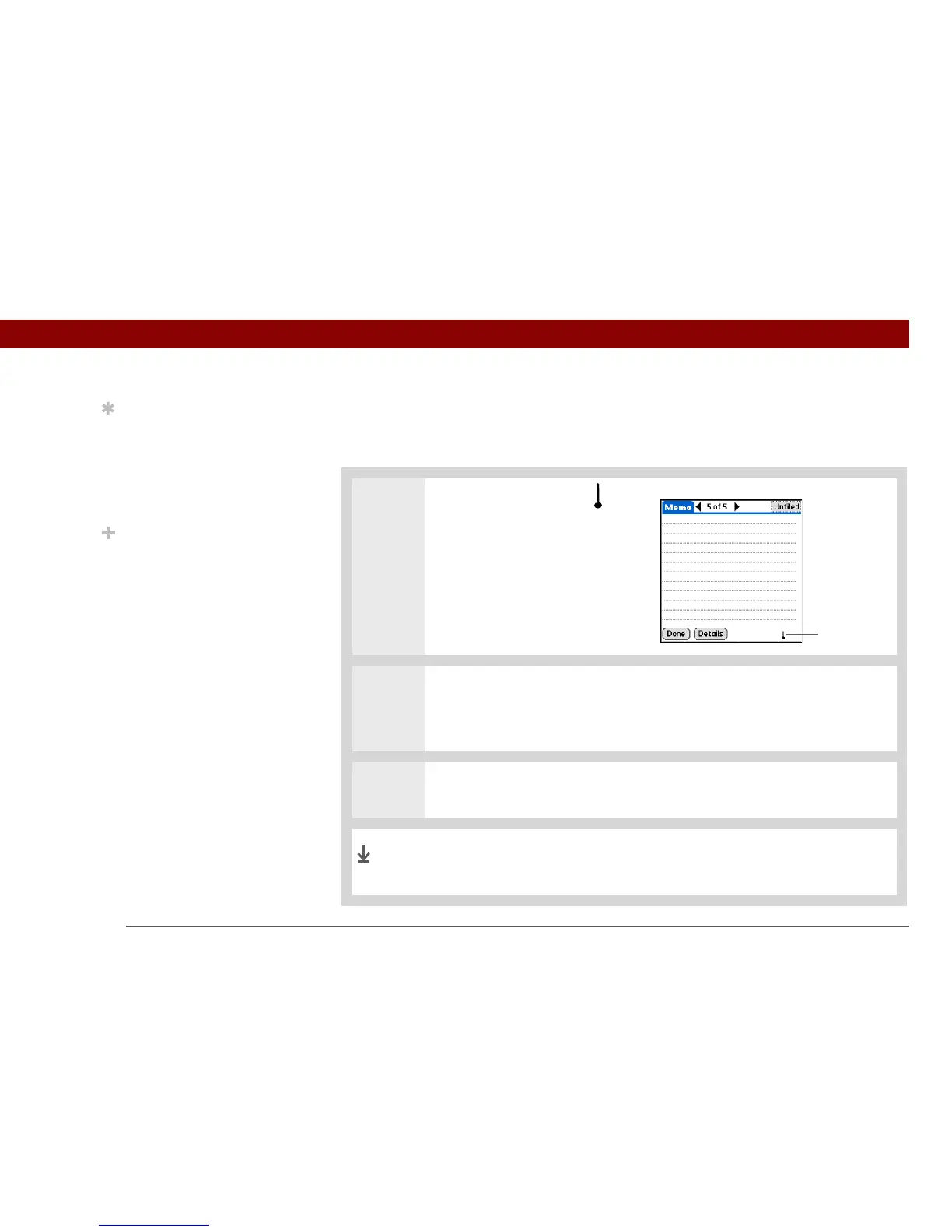
When Punctuation Shift is active,
an indicator appears in the lower-
right corner of the screen.
2 Write the symbol or other special character shown in the table that follows this
procedure.
You can write a symbol or special character anywhere in the input area.
3 Enter another Punctuation Shift stroke to finish the character and to make it
appear more quickly.
Once the Punctuation Shift indicator disappears, you see the
character.
Tip
If you accidentally enter
the Punctuation Shift
stroke, enter it again to
cancel it, or wait a
moment and it
automatically disappears.
Did You Know?
Writing two Punctuation
Shift strokes cancels the
automatic capitalization
of the first letter of a new
entry or sentence.
Punctuation
shift indicator
Done



 To Next Page