Tungsten™ E2 Handheld 496
CHAPTER 24 Managing Clock Settings
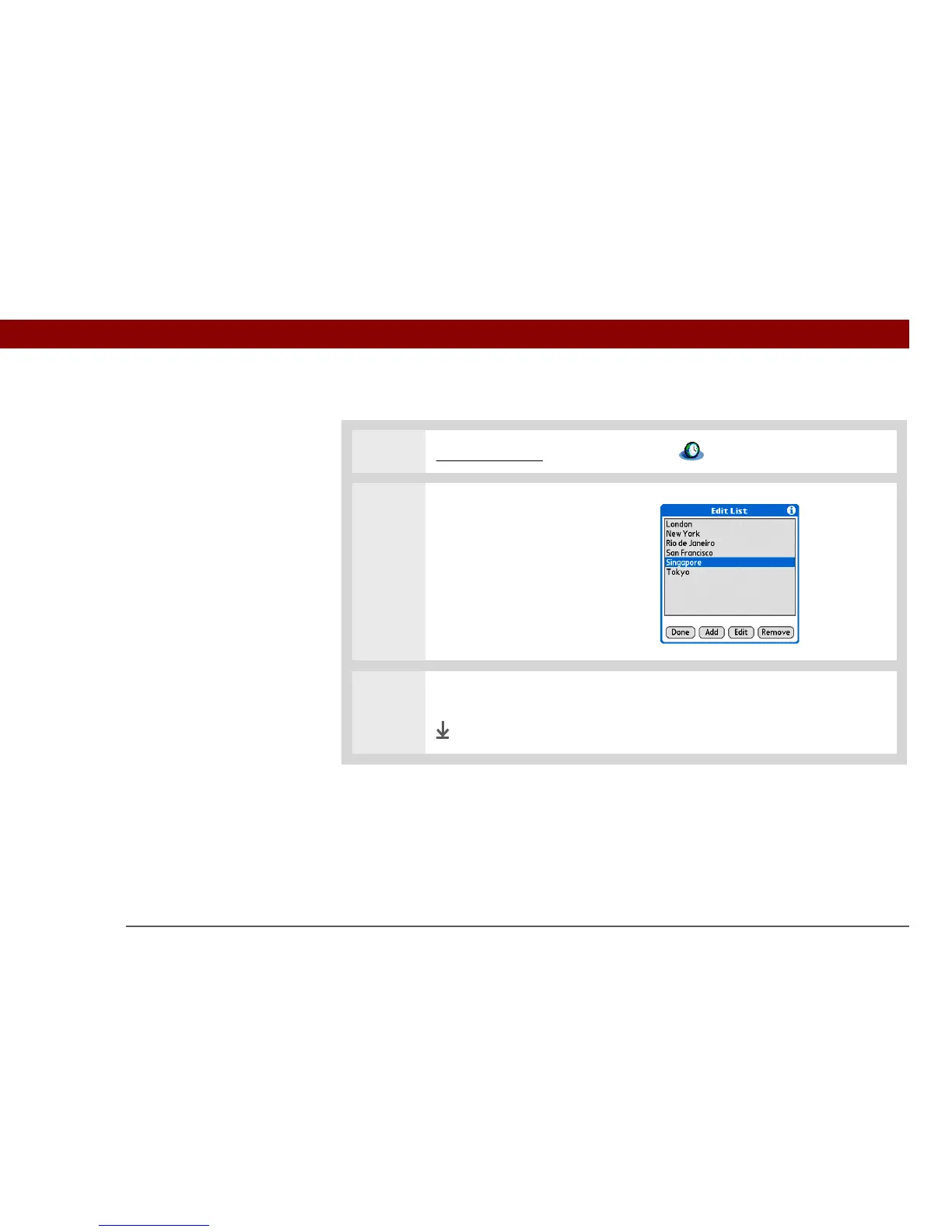
Deleting a location
0
1 Go to Applications and select World Clock .
2 Select the location you want to
delete:
a. Select a location pick list.
b. Select Edit List.
c. Select a location, and then
select Remove.
3 Select OK, and then select Done.
Done



 To Next Page