Tungsten™ E2 Handheld 495
CHAPTER 24 Managing Clock Settings
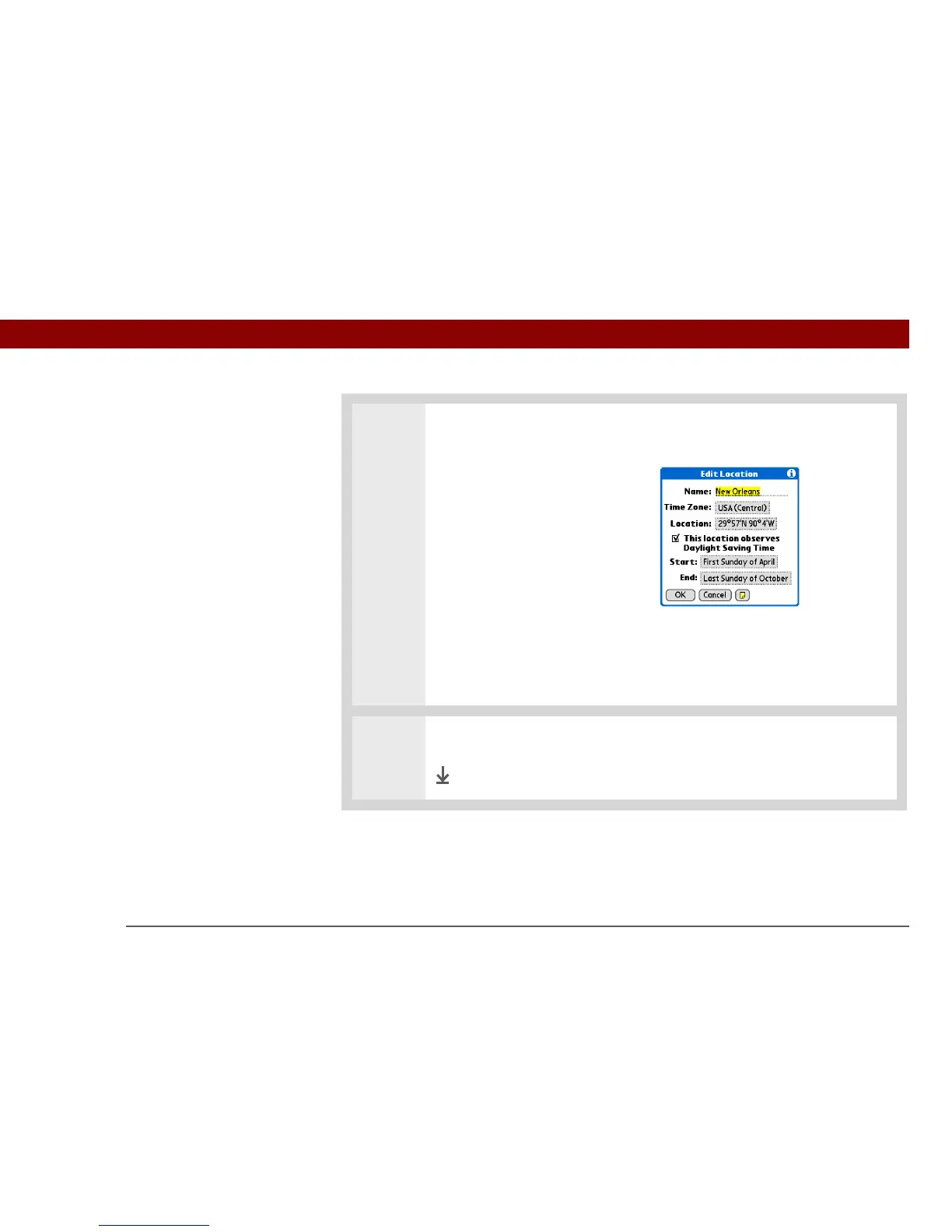
4 [ & ] OPTIONAL Select each
setting you want to change.
Name Enter the name of the
location.
Time Zone Select the time
zone for the location.
Daylight Saving Time box
Check for your handheld to
automatically adjust the date and
time for Daylight Saving Time in
this location.
Start and End dates Select the
boxes to change the start and
end dates of Daylight Saving
Time, if necessary.
5 Select OK, and then select Done.
Done



 To Next Page