Tungsten™ E2 Handheld 141
CHAPTER 7 Managing Your Calendar
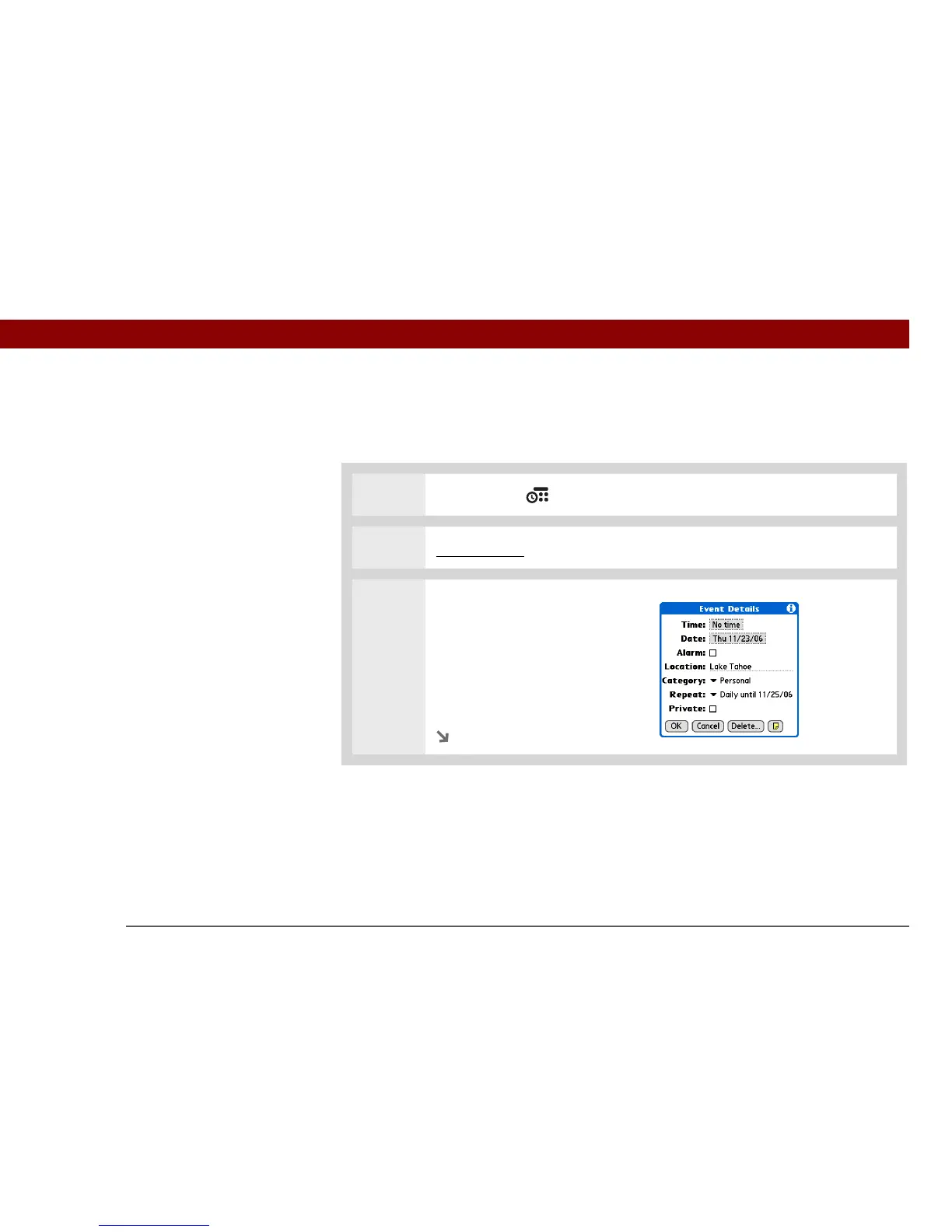
Entering a location or a note for an event
Enter a description of the event’s location such as a restaurant, a conference room, or your friend’s
house. Enter a note such as dial-in info for a conference call or directions to a location.
0
1 Press Calendar .
2 Enter the event, and then select the event description.
3 [ & ] OPTIONAL Enter the
location:
a. Select Details.
b. Select the Location field and
enter a description of the
location.
Continued



 To Next Page