Tungsten™ E2 Handheld 454
CHAPTER 21 Performing Calculations
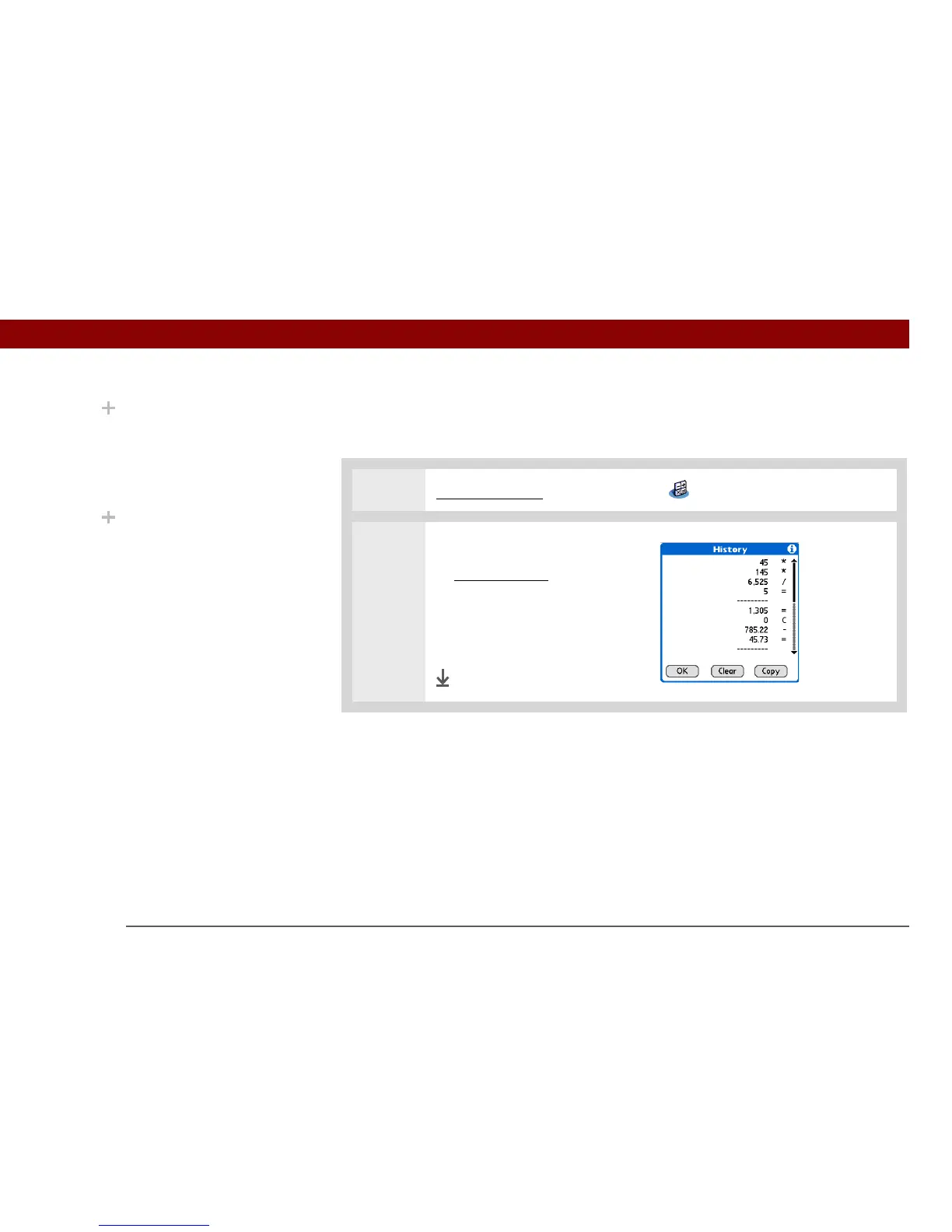
Viewing recent calculations
View recent calculations to confirm that you entered everything correctly.
0
1 Go to Applications and select Calculator .
2 Open the History dialog box:
a. Open the menus
.
b. Select Edit, and then select
Show History.
c. Select OK.
Done
Did You Know?
Viewing recent
calculations is helpful
when double-checking
the math in your
checkbook register.
Did You Know?
Calculator History also
has these functions:
Clear Select to clear the
calculator’s history.
Copy Select to copy the
history of calculations.
Then paste them into
another application by
opening the Edit menu
and selecting Paste in the
other application.



 To Next Page