Tungsten™ E2 Handheld 392
CHAPTER 17 Browsing the Web
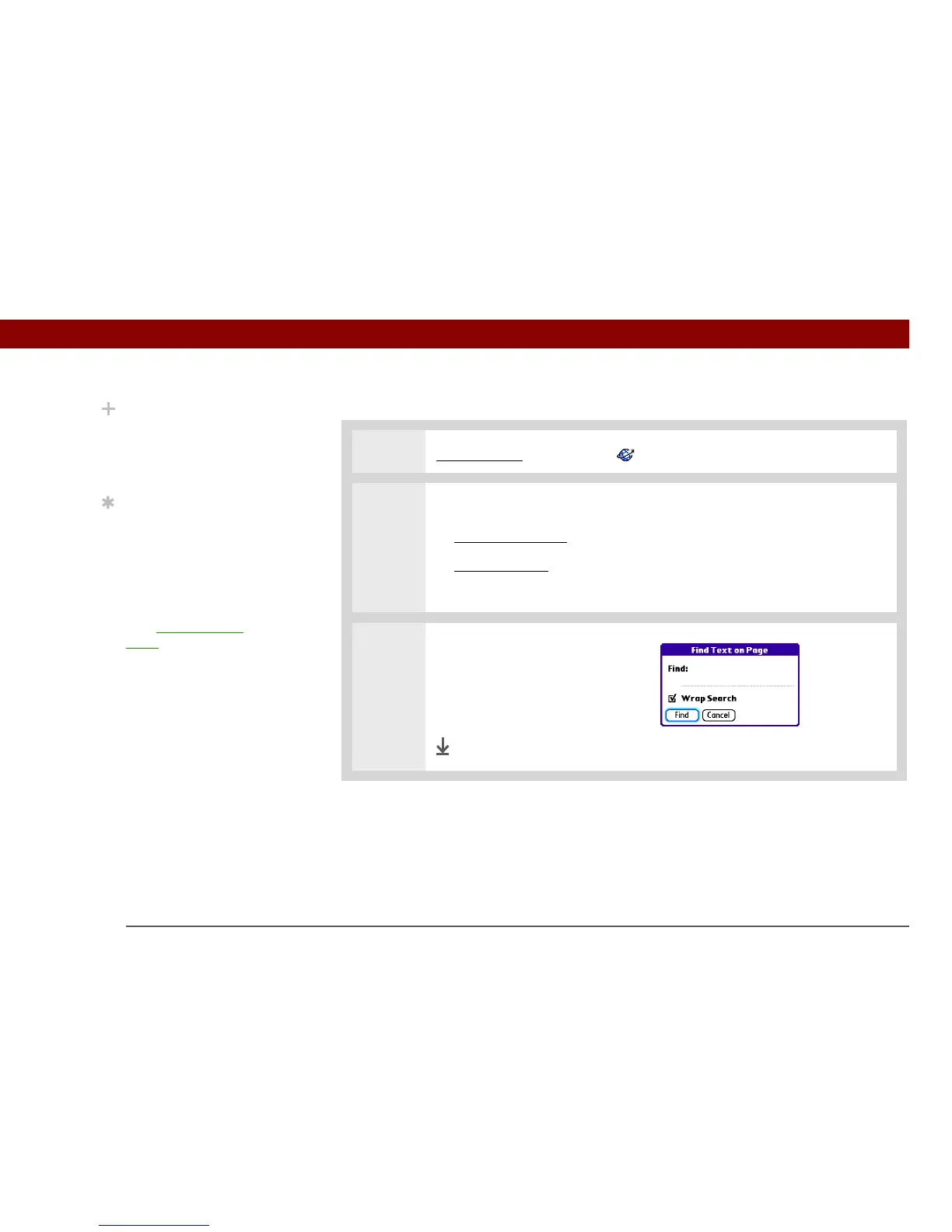
Finding information on a web page
0
1 Go to Favorites and select Web .
2 Open the Find field:
a. G
o to the web page you want to search.
b. Open the menus
.
c. Select Page, and then select Find Text on Page.
3 Search the web page:
a. Type the text you want to find.
b. Select Find.
Done
Did You Know?
Find locates any text,
whether it is letters or
numbers. Find is not
case-sensitive.
Tip
Because of the limited
space on the handheld
screen, sometimes the
current web address
(URL) is not fully visible.
Use the Page Properties
dialog box to view the full
URL. Open the
Page
menu, select Page, and
then select Page Info.



 To Next Page