Tungsten™ E2 Handheld 471
CHAPTER 22 Keeping Your Information Private
Using Quick Unlock
You can unlock your handheld by creating a special combination sequence with the 5-way
navigator—similar to the combination you use to open a padlock. Use this sequence in place of
your password to quickly unlock your handheld. Quick Unlock works only with your first three
attempts to unlock your handheld. After three attempts, you must use your password to unlock
your handheld.
Creating a Quick Unlock combination
0
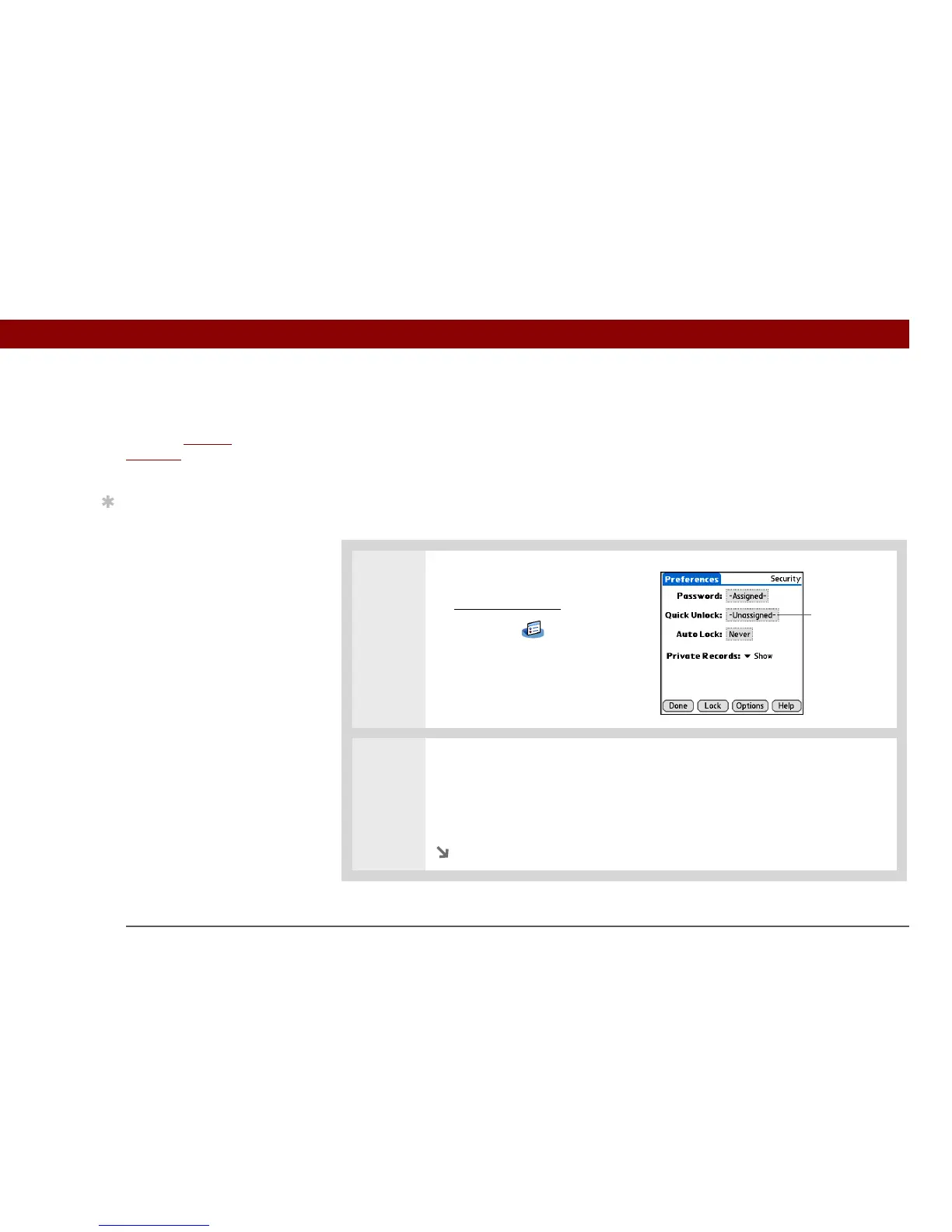
1 Open Security:
a. Go to Applications
, and then
select Prefs .
b. Select Security.
2 Open the Quick Unlock dialog box:
a. Select the Quick Unlock box.
b. If necessary, enter your password, and then select OK.
Continued
Before You Begin



 To Next Page