Tungsten™ E2 Handheld 223
CHAPTER 11 Managing Your Tasks
Marking a task as complete
You can check off a task to indicate that you’ve completed it.
0
Palm
®
Desktop software and Microsoft Outlook handle completed repeating tasks
differently. Palm Desktop software checks off all overdue instances of the task, and Microsoft
Outlook checks off only the oldest instance of the task.
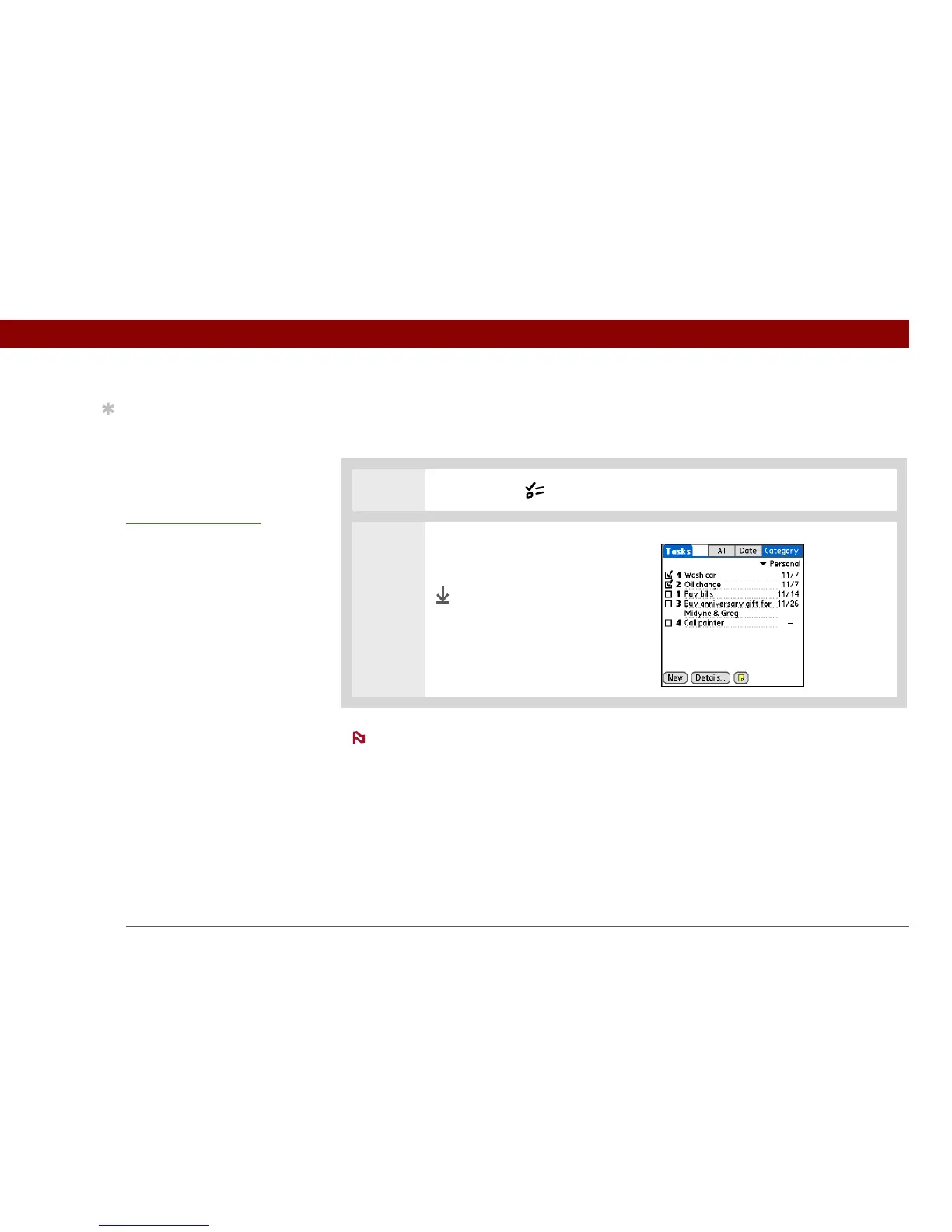
1 Press the Tasks button.
2 Check the box on the left side of
the task.
Done
Tip
You can set Tasks
Preferences to record the
date that you finish your
tasks, and you can show
or hide finished tasks. To
change these settings,
open the Options menu
and select Preferences.
NOTE



 To Next Page