Tungsten™ E2 Handheld 347
CHAPTER 15 Sending and Receiving Email Messages
Account information screens
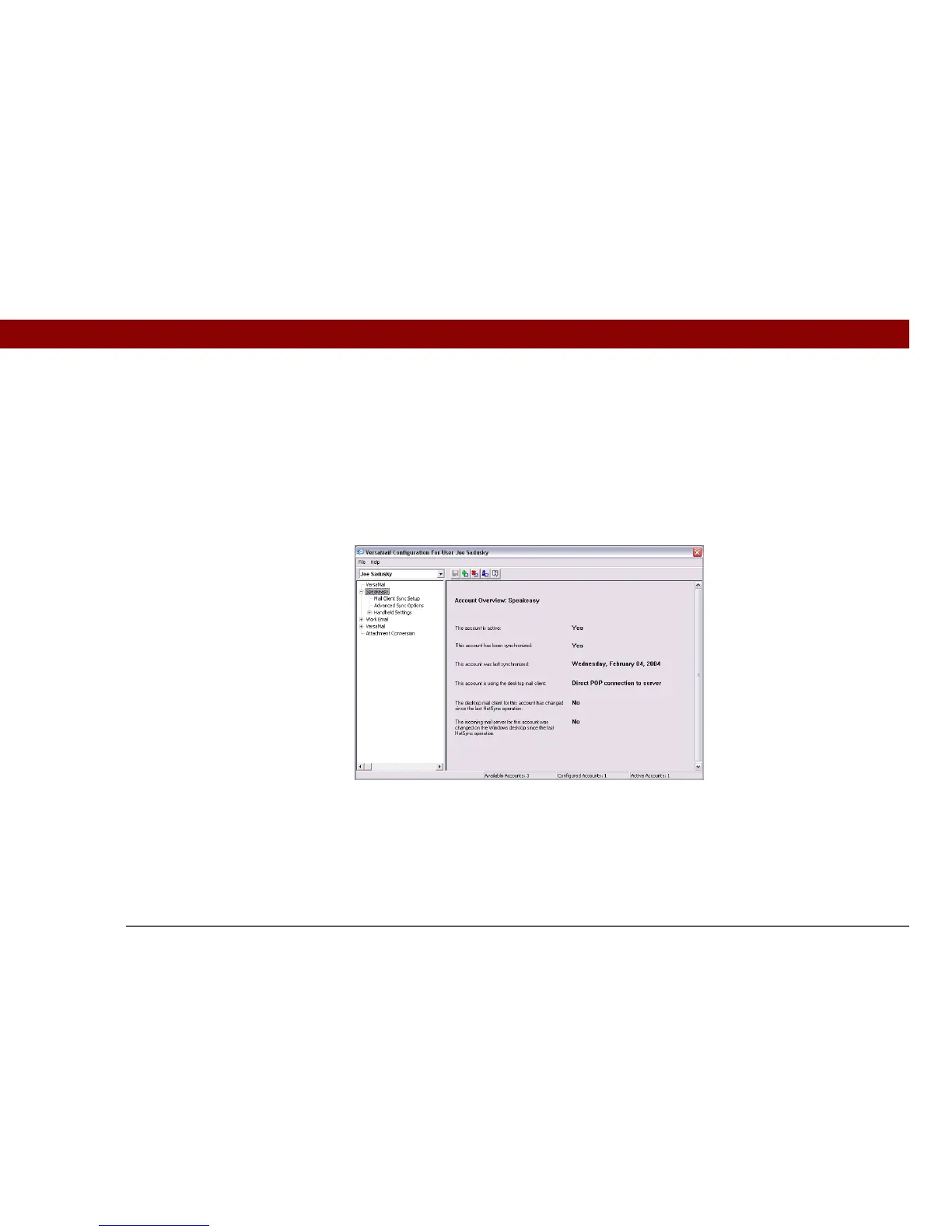
Two screens in the VersaMail conduit provide summary information on your accounts:
Account Overview The Account Overview screen indicates whether the account is active;
whether the account has been synchronized and, if so, the last synchronization date; the mail client
for this account; and whether the mail client and/or the incoming mail server has been changed
since the last synchronization.
To view the Account Overview screen, click the selected account name.
Handheld Settings Overview The Handheld Settings Overview screen lists the server protocol,
display name, email address, incoming and outgoing mail server addresses, and whether APOP or
ESMTP authentication is required.



 To Next Page