Tungsten™ E2 Handheld 312
CHAPTER 15 Sending and Receiving Email Messages
Working with email folders
By default, the VersaMail application displays the messages in a given account’s Inbox folder. You
can easily view the messages in a different folder. You can also customize the appearance of the
message list in your email folders, move messages between folders, and create and edit folders.
Viewing another folder
0
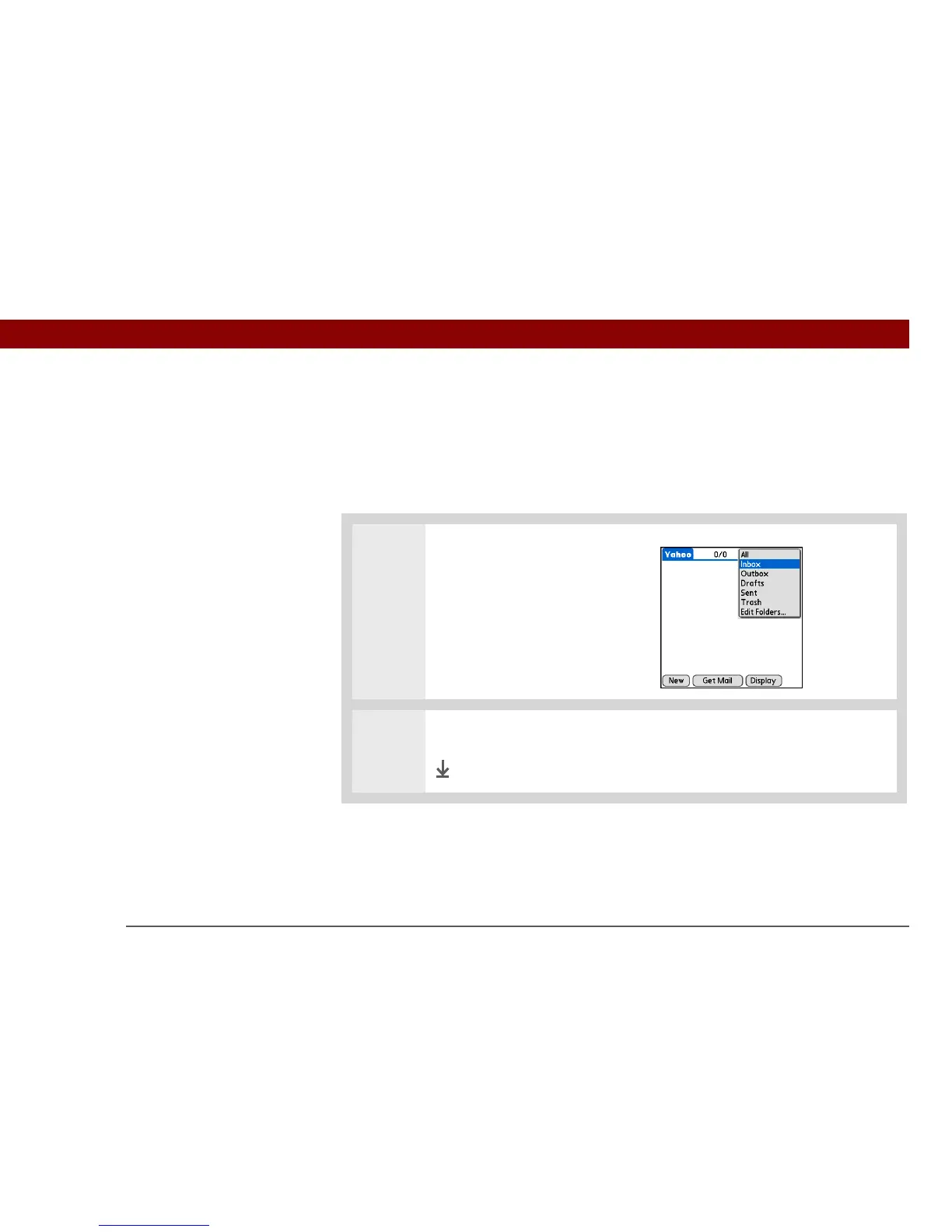
1 In the Inbox or on another folder
screen, select the folders pick list
in the upper-right corner of the
screen.
2
Select the folder you want to view.
Done



 To Next Page