Tungsten™ E2 Handheld 539
CHAPTER 25 Customizing Your Handheld
Connecting to your service
After you set up your Connection and Network Preferences, establishing a connection to your ISP
or your company’s network (dial-in server) is easy.
0
1
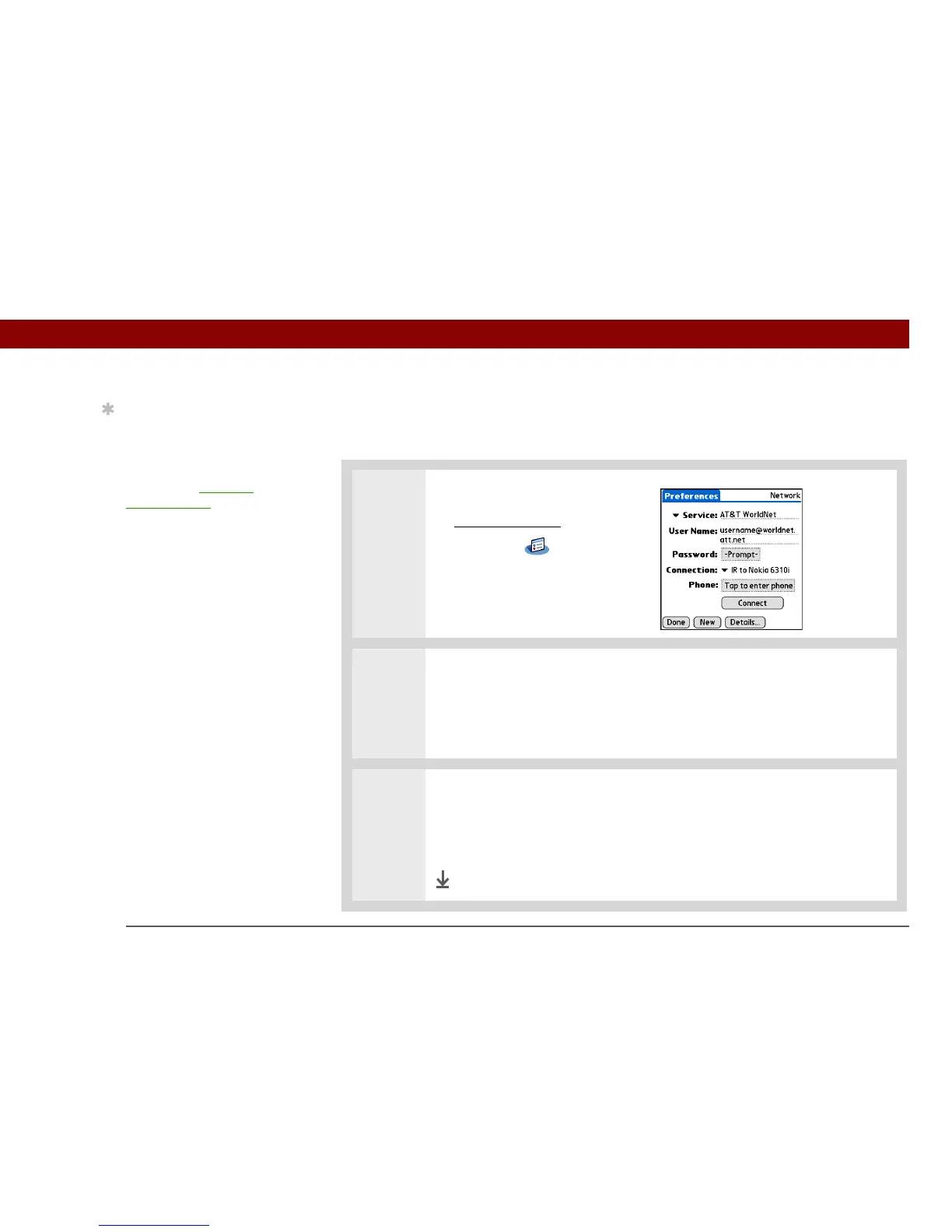
Open Network Preferences:
a. Go to Applications
.
b. Select Prefs .
c. Select Network.
2 Make the connection:
a. Make sure the service profile you want to use appears in the Service field.
If not, select it.
b. Select Connect.
3 End the connection when you’ve finished using it:
a. Select Disconnect.
b. Select Done.
Done
Tip
To see expanded Service
Connection Progress
messages, press Down
on the 5-way. To see more
information, open the
Options menu and select
View Log.



 To Next Page