Tungsten™ E2 Handheld 208
CHAPTER 10 Listening to Music
Playing songs from a playlist
0
1 On your handheld, go to Favorites and then select RealPlayer .
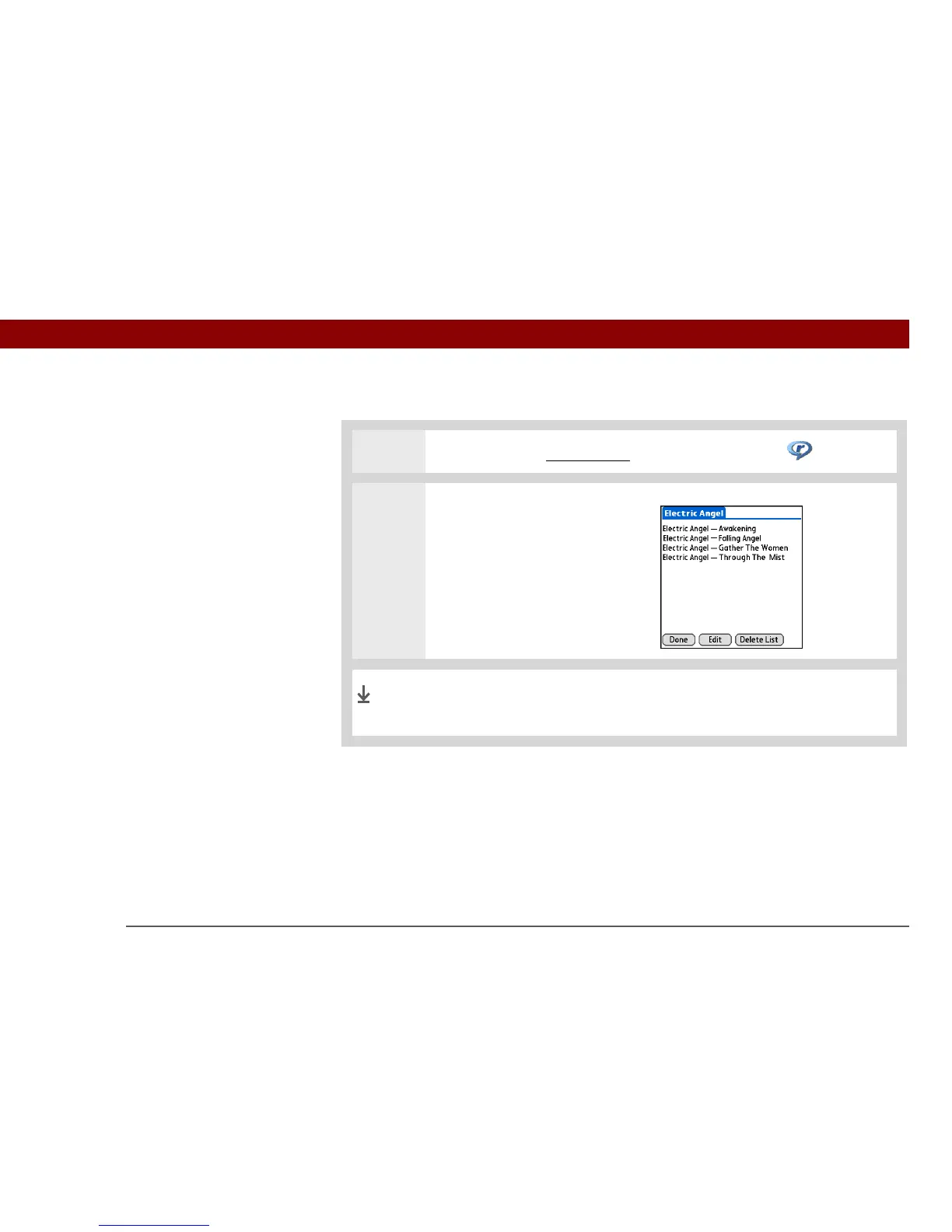
2 Select a song from a playlist:
a. Tap Playlists.
b. Select the playlist you want to
play.
c. Select the first song you want
to play.
Your handheld plays the songs in the playlist beginning with the
song you selected. After it plays the last song in the list, it stops.
Done



 To Next Page