Tungsten™ E2 Handheld 178
CHAPTER 9 Viewing Photos and Videos
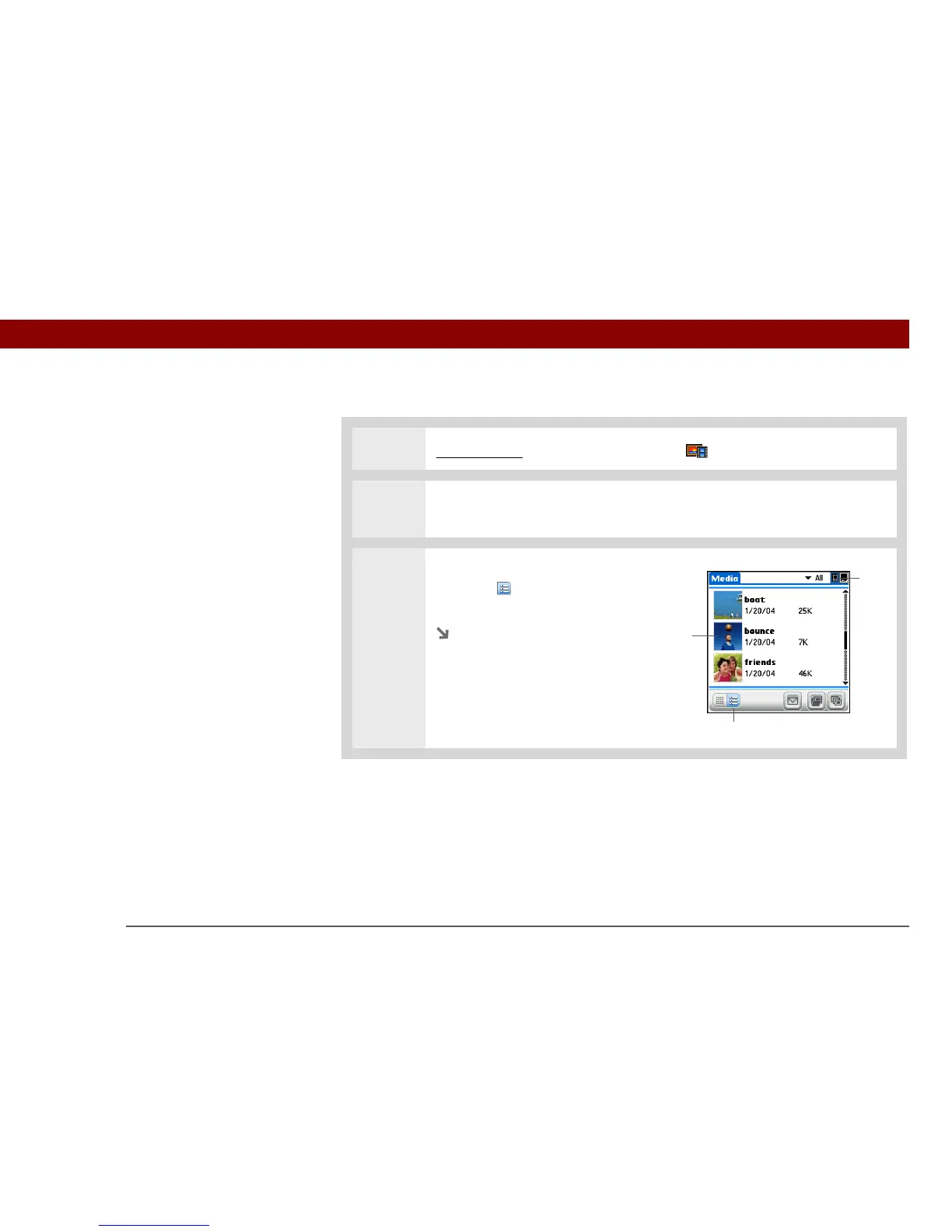
Viewing a photo or video in the List View
0
1 Go to Favorites and select Photos & Videos .
2 Select the pick list in the upper-right corner and select the location on your
handheld or an expansion card of the photo or video you want to view.
3 If the List View is not displayed,
select List in the lower-left
corner of the screen.
Continued
Icons
List
Select a
photo or
video



 To Next Page