Tungsten™ E2 Handheld 375
CHAPTER 15 Sending and Receiving Email Messages
Turning IMAP folder synchronization on or off
0
Synchronizing handheld/mail server IMAP folders from the
Options menu
0
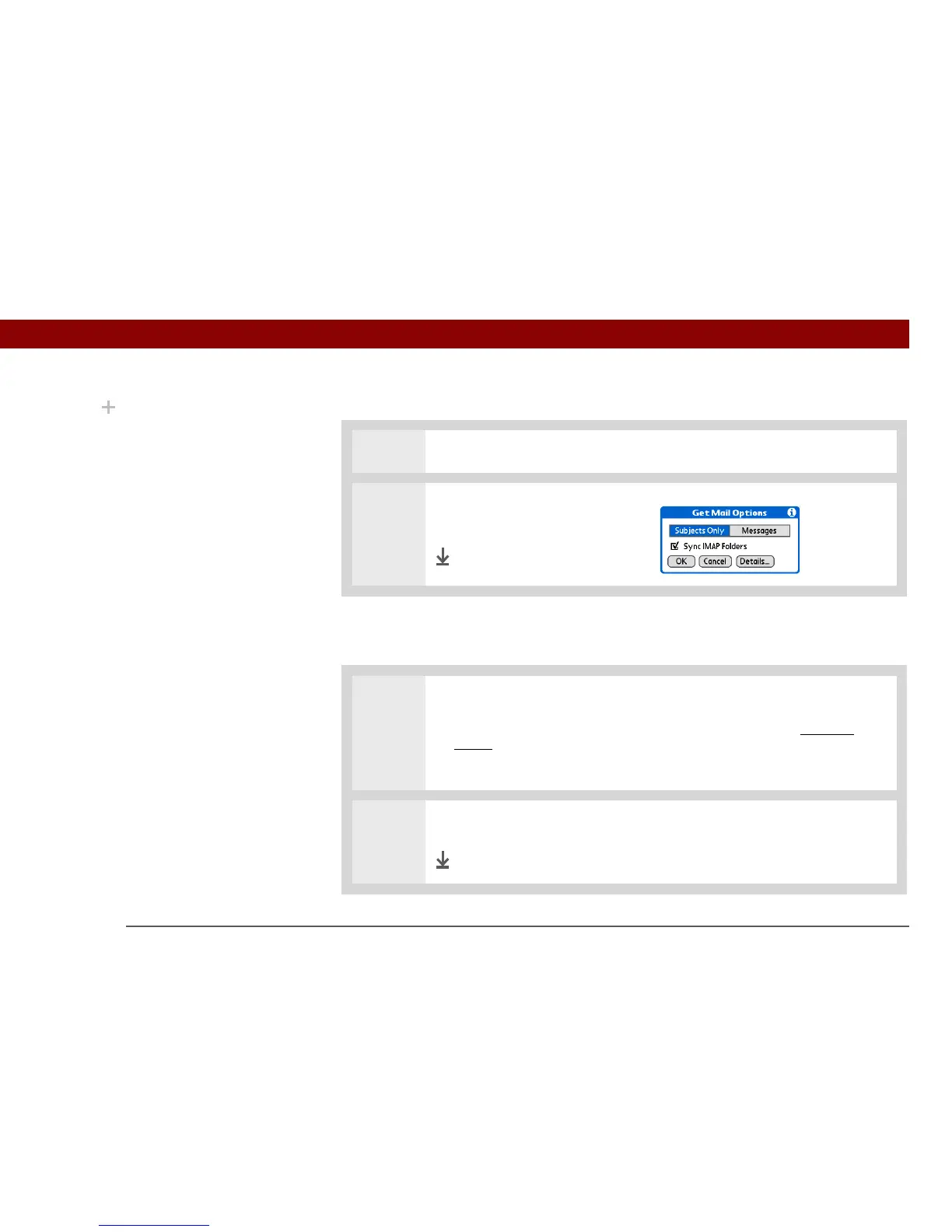
1 From within an IMAP email account, select Get Mail.
2 Check or uncheck the Sync IMAP
Folders box, and then select OK.
Done
1 Open the Sync IMAP Folders screen:
a. In the Inbox or on another folder screen of an IMAP account, open the
menus.
b. Select Options, and then select Sync IMAP Folders.
2 Select the folder or folders you want to synchronize from the pick list.
Done
Did You Know?
After you select the
folders to synchronize,
a connection is made to
your email service
provider to update the
server with changes from
your handheld, and to
have your handheld
updated with changes
from the server.



 To Next Page