Tungsten™ E2 Handheld 303
CHAPTER 15 Sending and Receiving Email Messages
Customizing the font of messages you are reading
You can change the font, size, or style of incoming messages to make them easier to read.
0
1 Open the Select Font dialog box:
a. On the message screen, open the menus
.
b. Select Options, and then select Font.
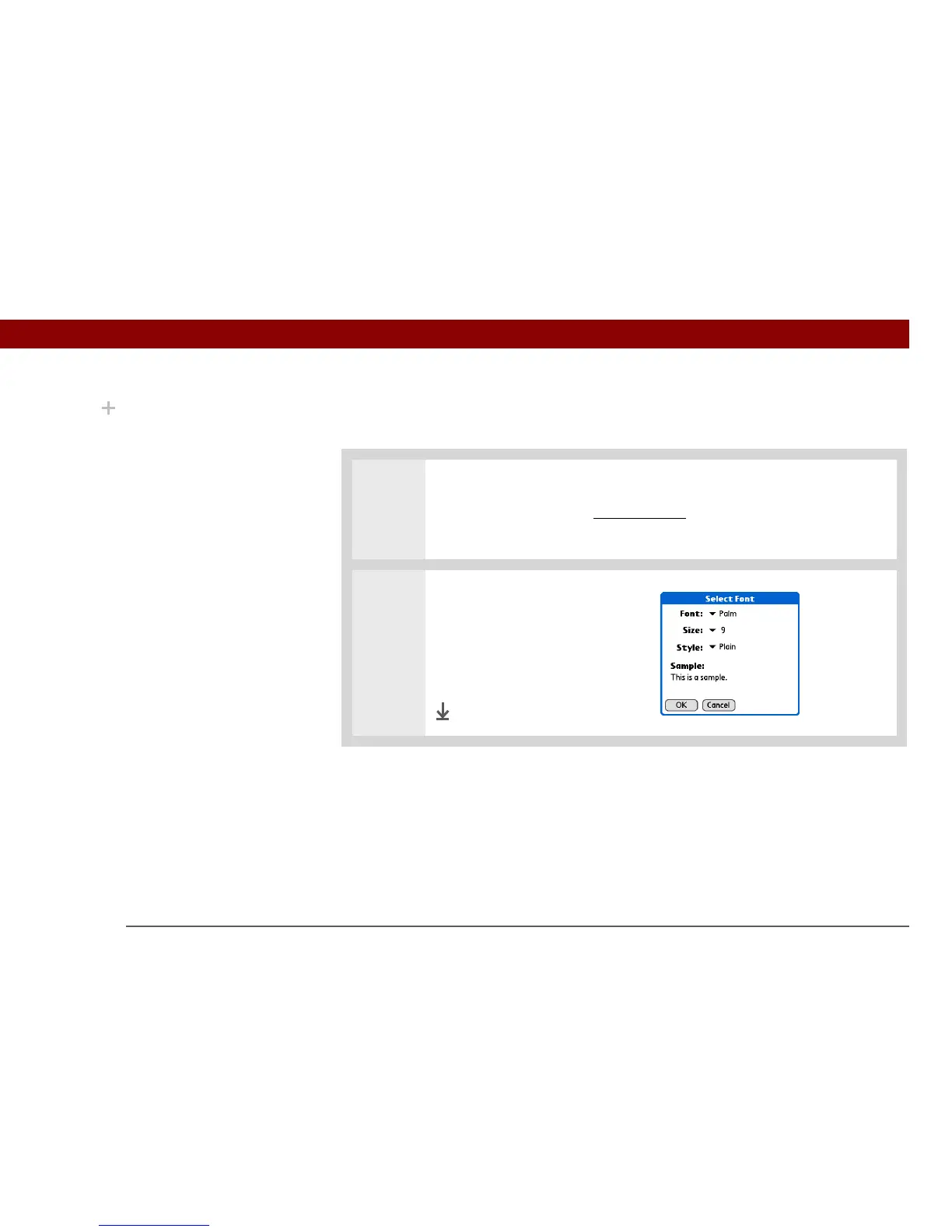
2 Customize the font:
a. Select each pick list (Font,
Size, Style) and select the
option you want.
b. Select OK.
Done
Did You Know?
The font settings you
choose apply to all
incoming messages, not
just the current one.



 To Next Page