Tungsten™ E2 Handheld 348
CHAPTER 15 Sending and Receiving Email Messages
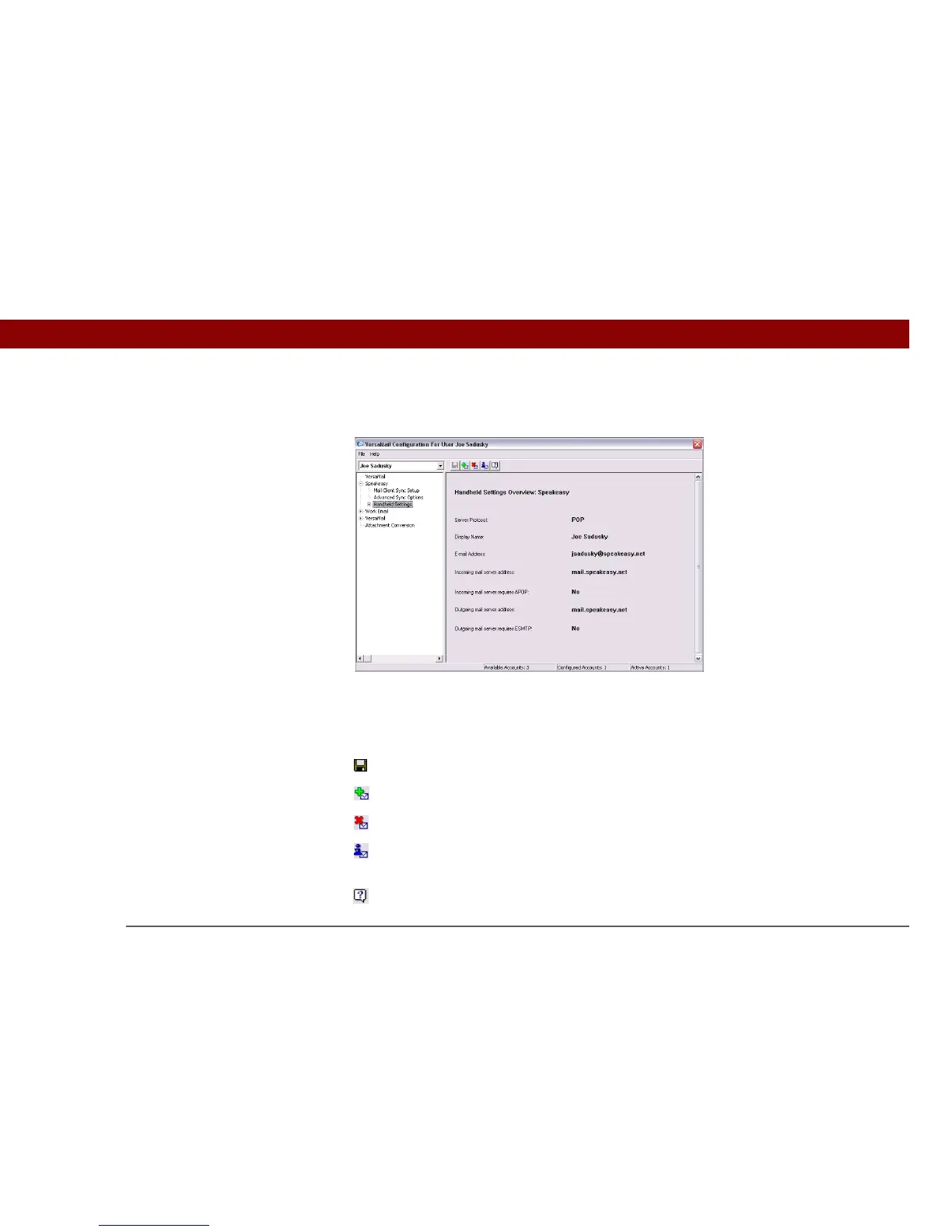
To view the Handheld Settings Overview screen, under the selected account name, click Handheld
Settings.
VersaMail conduit shortcuts
You can use the icons on the toolbar to perform certain tasks quickly, such as saving account
configuration settings.
Save account settings Saves any changes you make to an account.
Add a new account You are prompted to enter the account name and protocol.
Delete an account You are prompted to select the account to delete from a drop-down list.
Quick account reference Lists all accounts and shows whether they are active and the date
they were last synchronized.
Help Displays the Help window with complete online help.



 To Next Page