Tungsten™ E2 Handheld 466
CHAPTER 22 Keeping Your Information Private
Deleting a forgotten password
If you forget your password, your handheld displays the password hint (if you entered one) to help
you remember the password. If you still can’t remember the password, you can delete it from your
handheld. Deleting a forgotten password also deletes all entries marked as private.
Be sure to synchronize your handheld with your computer before and after this
procedure, so you can restore any private entries that were deleted along with the password.
0
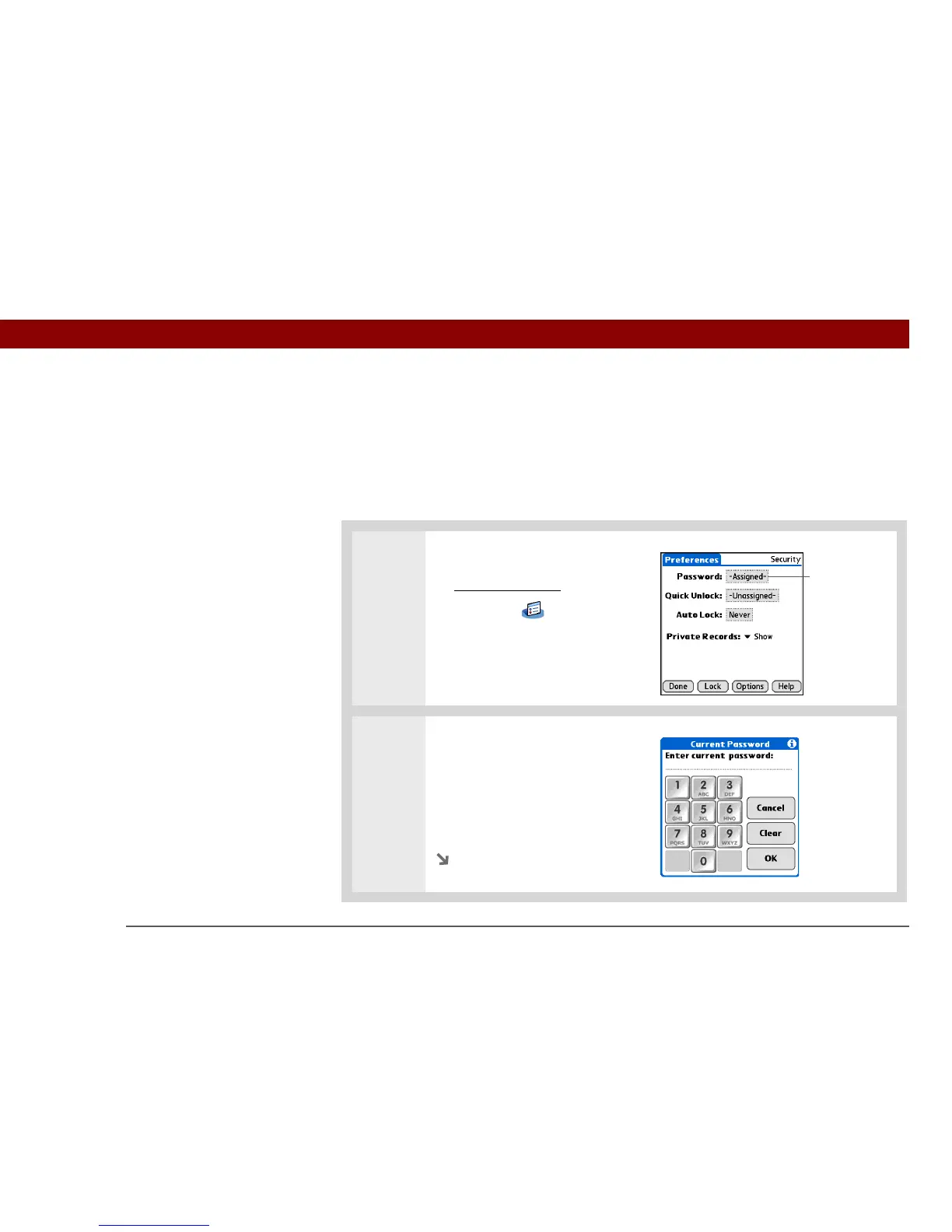
1 Open Security:
a. Go to Applications
, and then
select Prefs .
b. Select Security.
2 Open the Incorrect Password
dialog box:
a. Select the Password box.
b. Tap any number on the
keypad, and then select OK.
Continued
IMPORTANT
[
! ]
Password box



 To Next Page