Tungsten™ E2 Handheld 298
CHAPTER 15 Sending and Receiving Email Messages
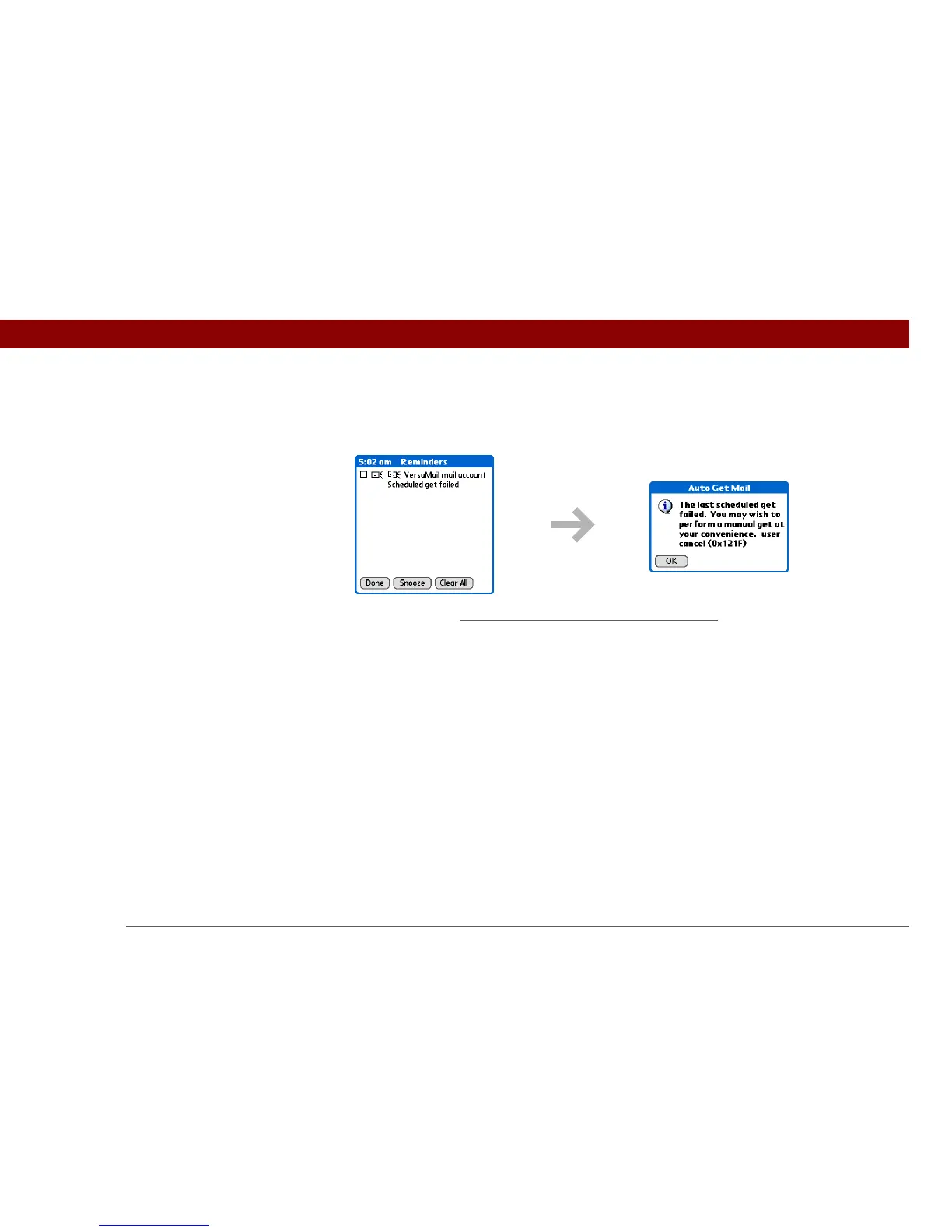
If auto get discovers new messages but then fails for any reason, the Reminders screen shows the
account name and an error message. You can select the error message or open the VersaMail
application for that account for more detailed information on the failed auto get.
You can choose to disable notifications for auto get mail failures
.
Auto get mail retries
If the interval for a scheduled auto get is set at “Every 1 hour” or less frequently, and an auto get
fails for any reason, the VersaMail application tries to retrieve email every 30 minutes until either
the next scheduled auto get occurs or the end time for scheduled email retrieval is reached. If the
interval is set for more frequently than “Every 1 hour,” the VersaMail application waits until the
next scheduled auto get.



 To Next Page