Tungsten™ E2 Handheld 424
CHAPTER 18 Dialing Phone Numbers from Your Handheld
Using speed dial
Speed dial allows you to store ten of your most commonly used numbers and to dial one with a
single tap.
Adding a speed-dial entry
0
1 Go to Applications and select Dialer .
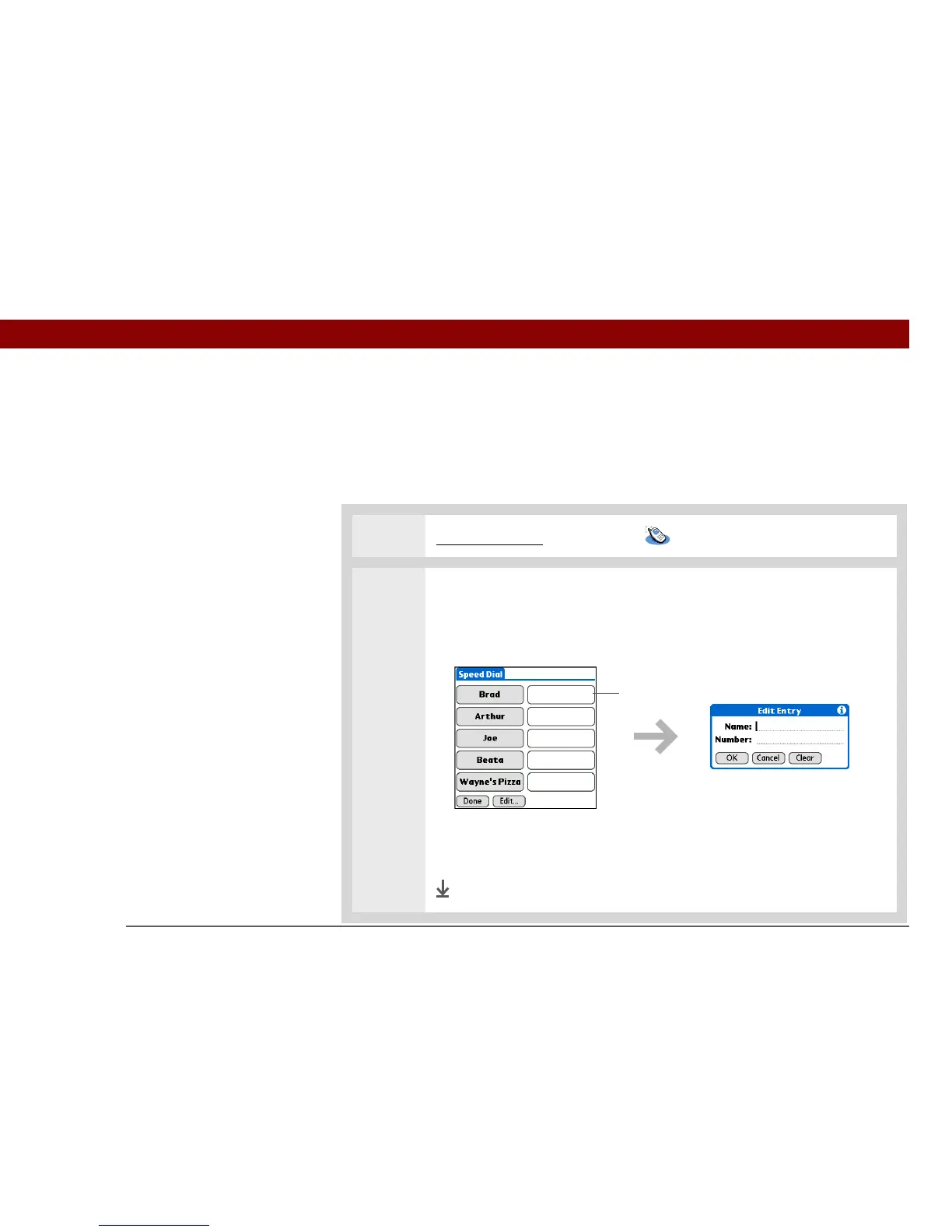
2 Add a speed-dial entry:
a. Tap Speed.
b. Tap an empty speed-dial button.
c. Enter a name and telephone number.
d. Tap OK.
Done
Tap empty
speed-dial button



 To Next Page