Tungsten™ E2 Handheld 535
CHAPTER 25 Customizing Your Handheld
Connecting your handheld to a mobile phone
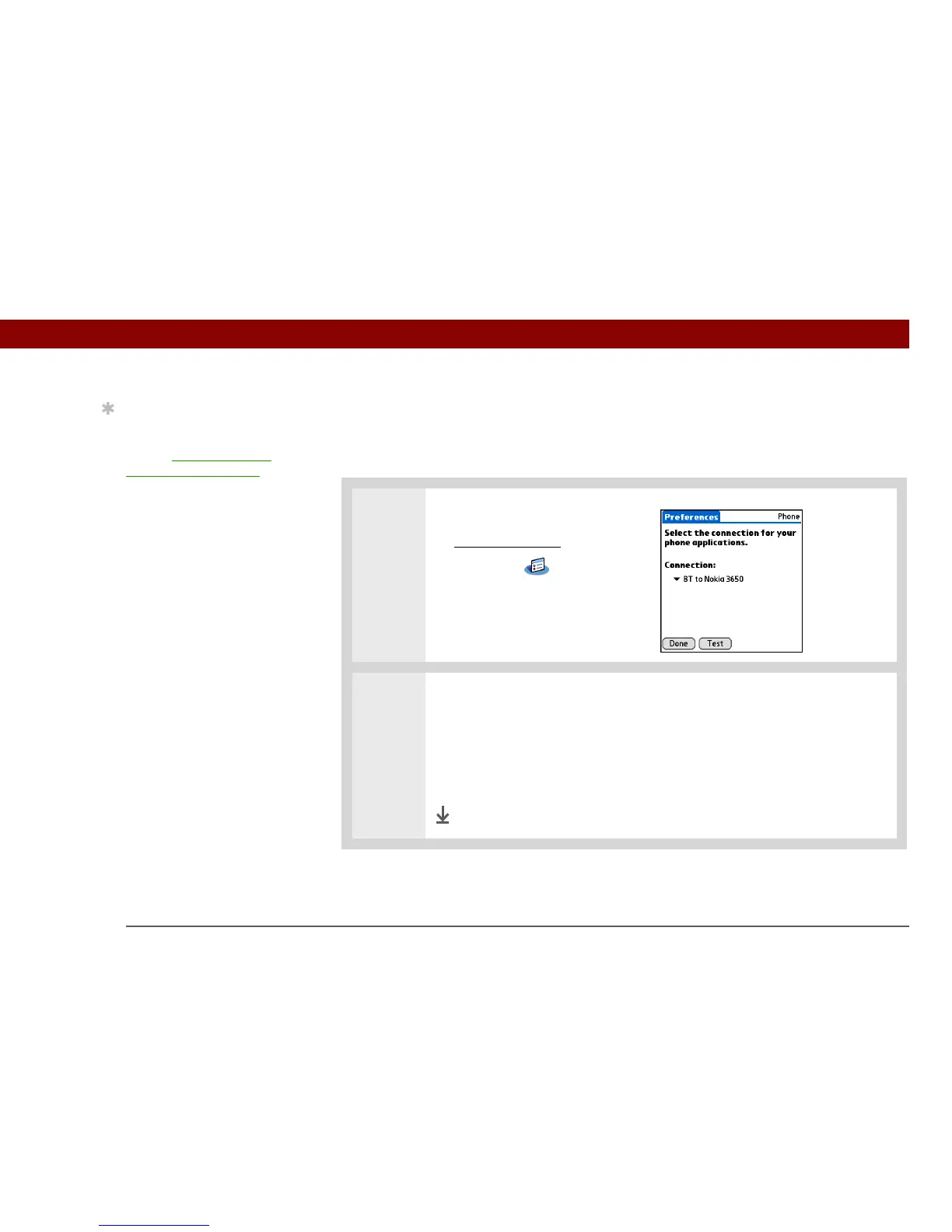
Phone Preferences let you configure your handheld to exchange messages and dial phone
numbers when your handheld is connected to a GSM mobile phone (sold separately). The GSM
mobile phone account must also include data services.
0
1 Open Phone Preferences:
a. Go to Applications
.
b. Select Prefs .
c. Select Phone.
2
Select the connection:
a. Select the Connection pick list and select your mobile phone from the list.
b. Select Test to make sure the settings work with your phone.
c. Select Done.
Done
Tip
If your phone doesn’t
appear on the list, you
need to install the phone
settings for your phone
onto your handheld.



 To Next Page