Tungsten™ E2 Handheld 307
CHAPTER 15 Sending and Receiving Email Messages
Entering an address using Contacts
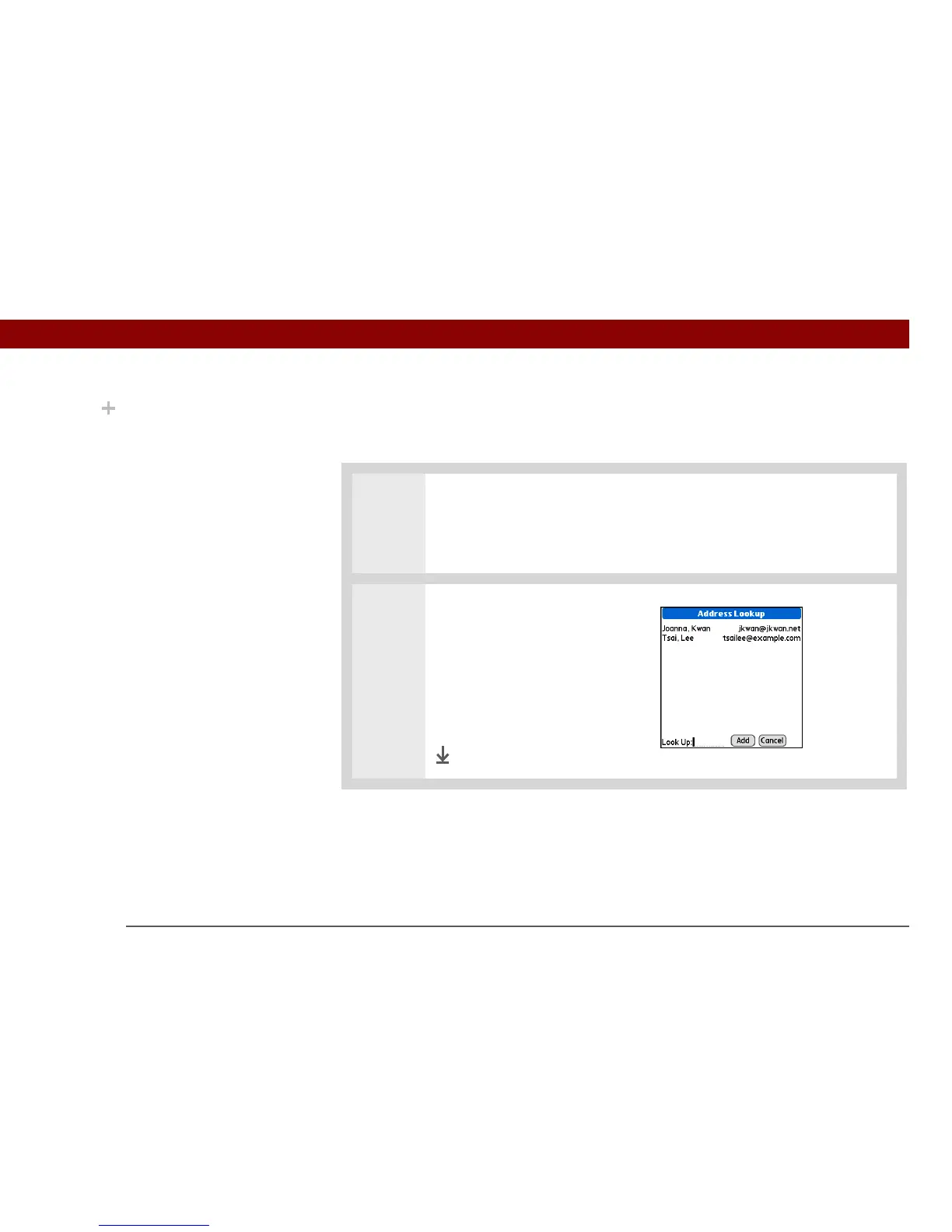
You can enter a recipient’s address by using the Lookup screen to select the address. The names
and addresses on the Lookup screen come from Contacts.
0
1
Open the Lookup screen:
a. On the New Message screen, select the word To.
b. On the Recipient List screen, select Lookup.
2 Enter the address:
a. On the Address Lookup
screen, select the address you
want, and then select Add.
b. Select Lookup and repeat
step a for each address you
want to add.
Done
Did You Know?
Addresses longer than
one line are shown on a
single line with an ellipsis
symbol to the right of the
address line. To view or
edit the address, tap the
To field to display the full
address.



 To Next Page