Tungsten™ E2 Handheld 390
CHAPTER 17 Browsing the Web
Accessing a web page using the address field
0
1 Go to Favorites and select Web .
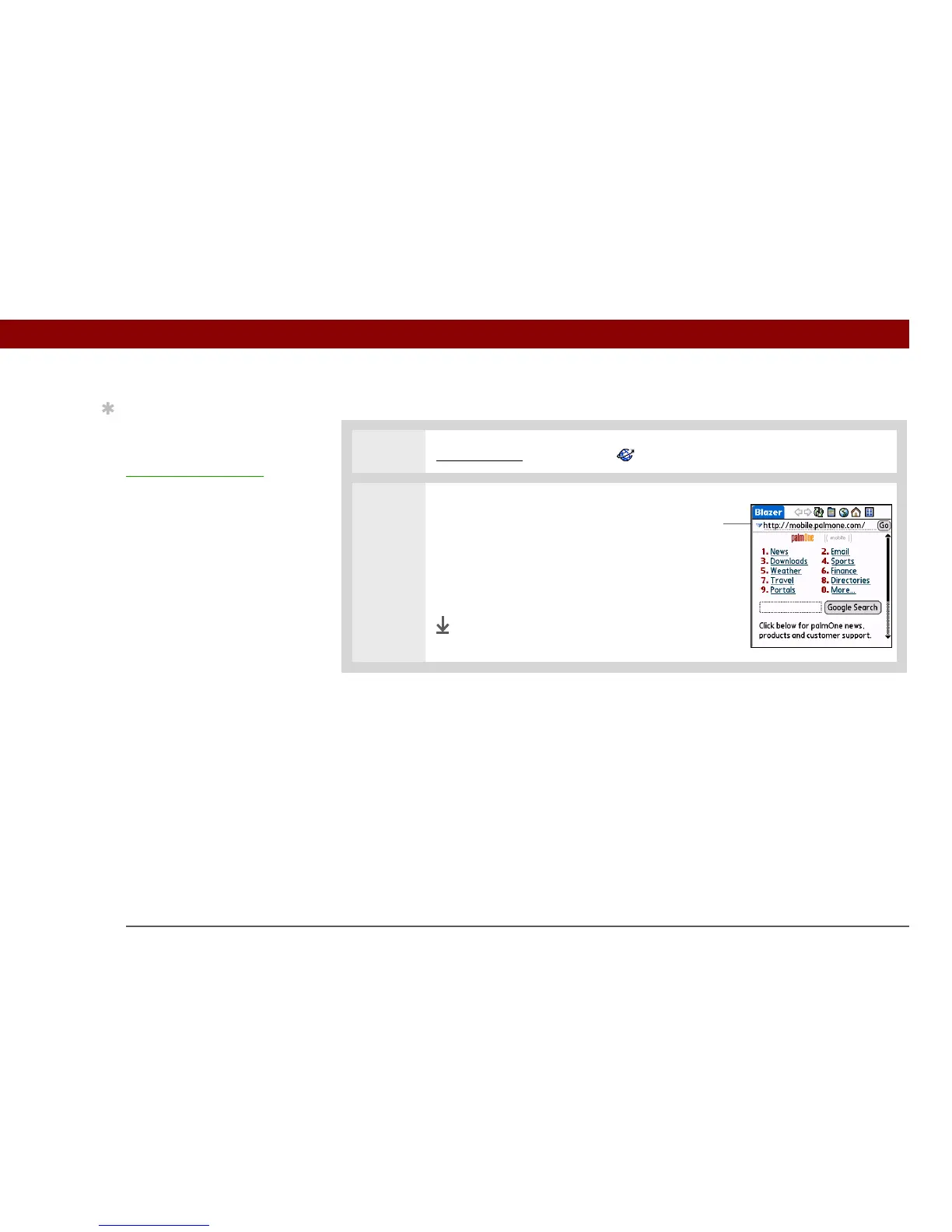
2 Go to the web page you want to
view:
a. Enter the address of the web
page in the address field.
b. Select Go.
Done
Tip
You can also hide the
address field to show
more of the web page.
Open the
Options menu
and select Preferences.
Uncheck the Show
Address Bar box.
Address field



 To Next Page