Tungsten™ E2 Handheld 459
CHAPTER 22 Keeping Your Information Private
Marking information as private
Marking an entry as private is the first step in protecting your info.
0
1 Open an application.
2 Create a new entry, or select the entry that you want to make private.
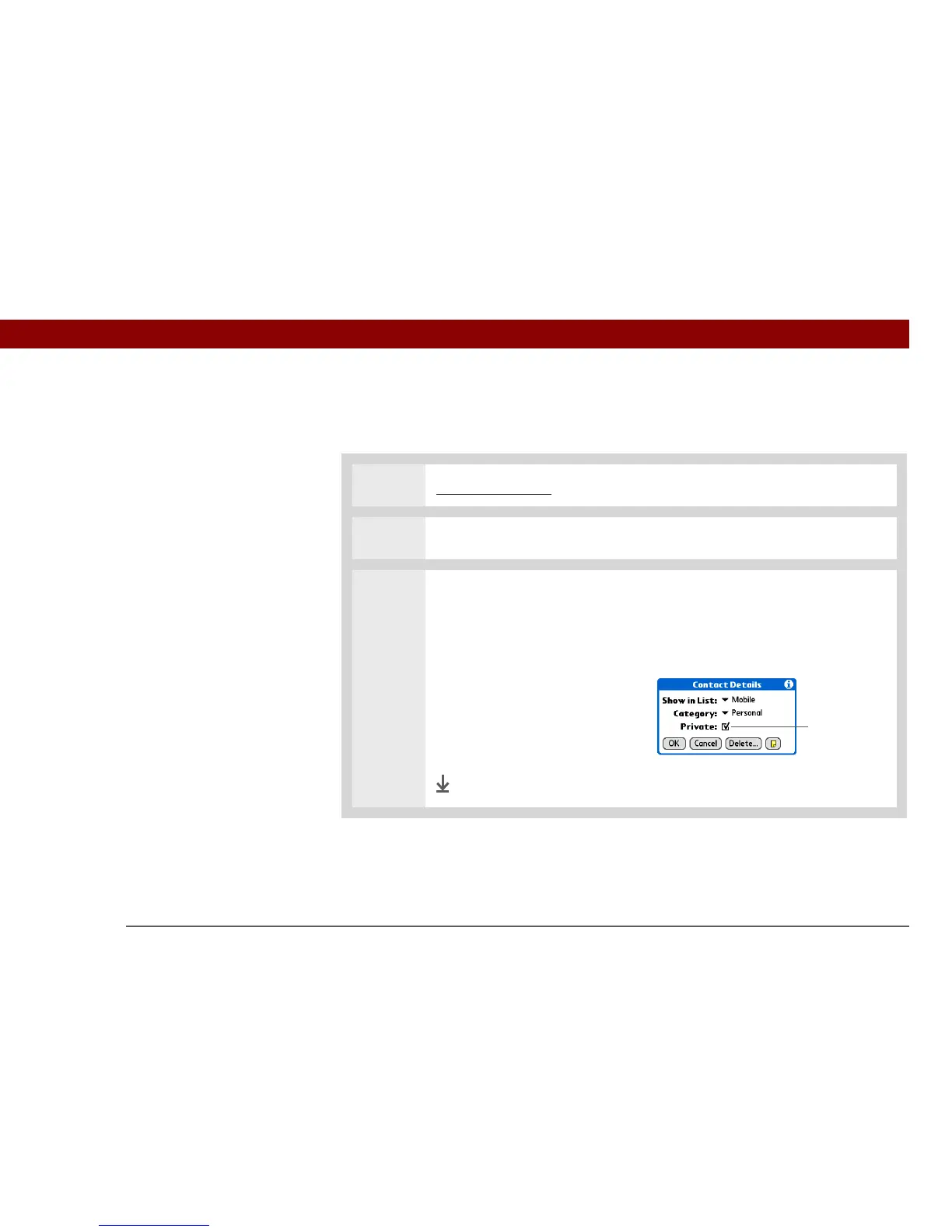
3 Mark it as private:
a. For existing Contacts, select Edit.
b. Select Details.
c. Check the Private box.
d. Select OK.
e. In Contacts and Memos, select
Done.
Done
Private box



 To Next Page