Tungsten™ E2 Handheld 461
CHAPTER 22 Keeping Your Information Private
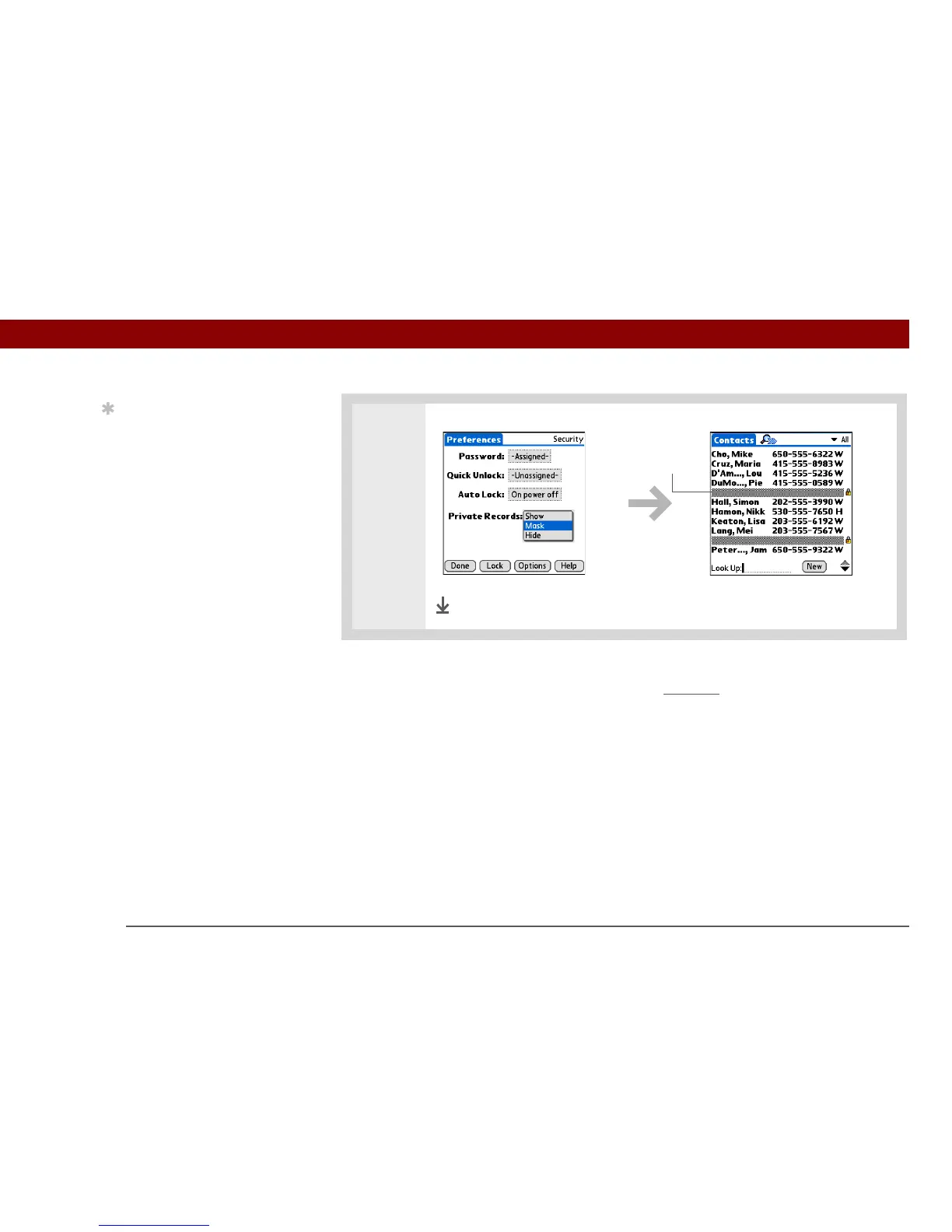
Viewing an entry that is masked
To open a masked entry, select the entry. If you have a password, enter it in the Show Private
Records dialog box, and then select OK. When you close a masked entry, it remains masked.
Using a password
Further protect your hidden or masked entries by creating a password, which is needed to display
the contents of hidden/masked entries.
Cont’d.
Done
Masked entry
Tip
Use a password to
protect confidential work
or personal information.
If your handheld is lost or
stolen, this information
will be safe.



 To Next Page