Tungsten™ E2 Handheld 536
CHAPTER 25 Customizing Your Handheld
Customizing network settings
Your handheld includes software that lets you connect your handheld to your Internet service
provider (ISP) or to a dial-in (remote access) server using a mobile phone. After you configure
your network settings, you can establish a connection either by using the menus from the Network
Preferences screen or by using a third-party application.
Setting up a service profile
Service profiles store the network settings for your ISP or dial-in server. You can create, save, and
reuse service profiles. You can create additional service profiles from scratch or by duplicating an
existing profile and editing the information.
0
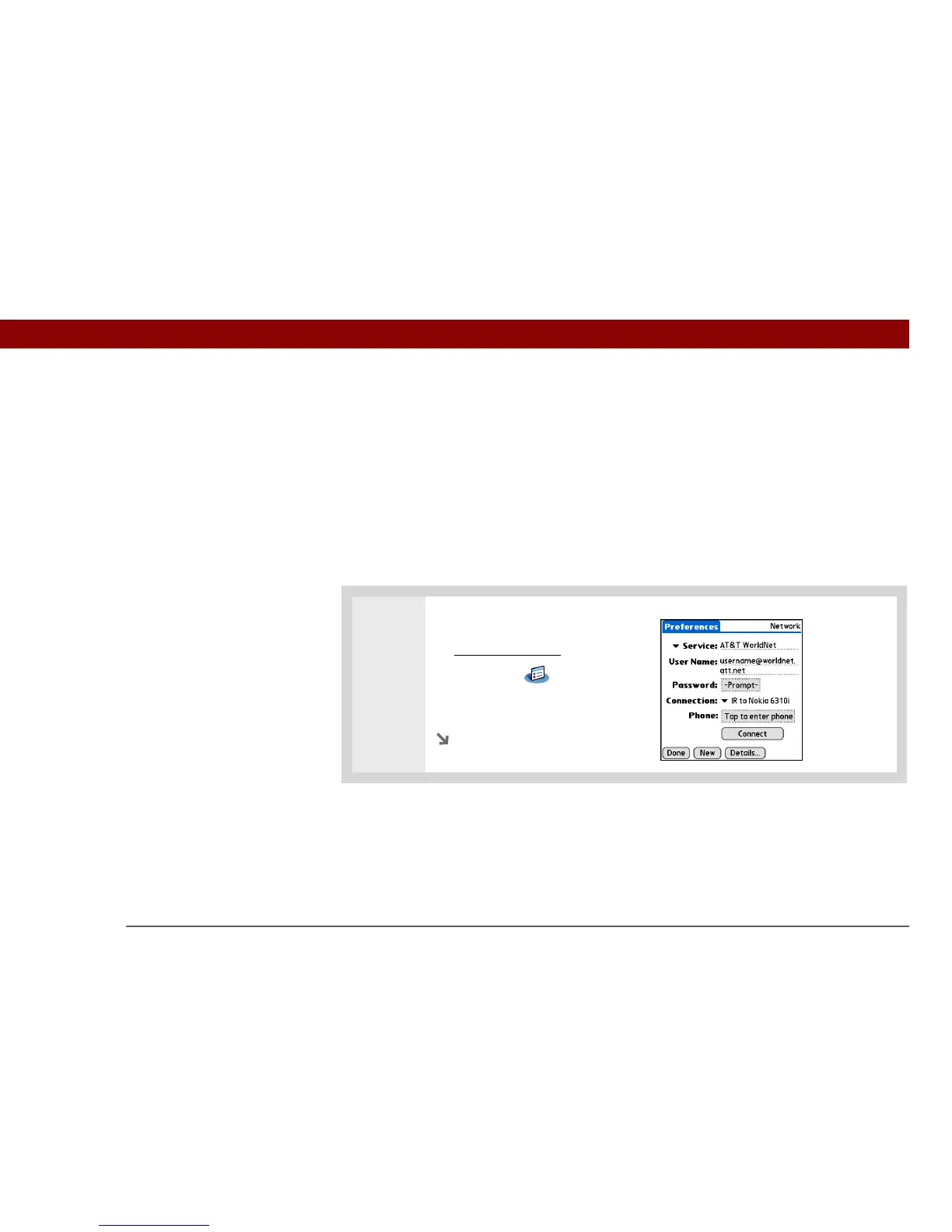
1 Open Network Preferences:
a. Go to Applications
.
b. Select Prefs .
c. Select Network.
Continued
Before You Begin



 To Next Page