Tungsten™ E2 Handheld 270
CHAPTER 15 Sending and Receiving Email Messages
Upgrading an existing email account
If you have already used the VersaMail application on a different handheld and have kept your old
username, you can upgrade your existing email account for use on your new handheld.
0
1
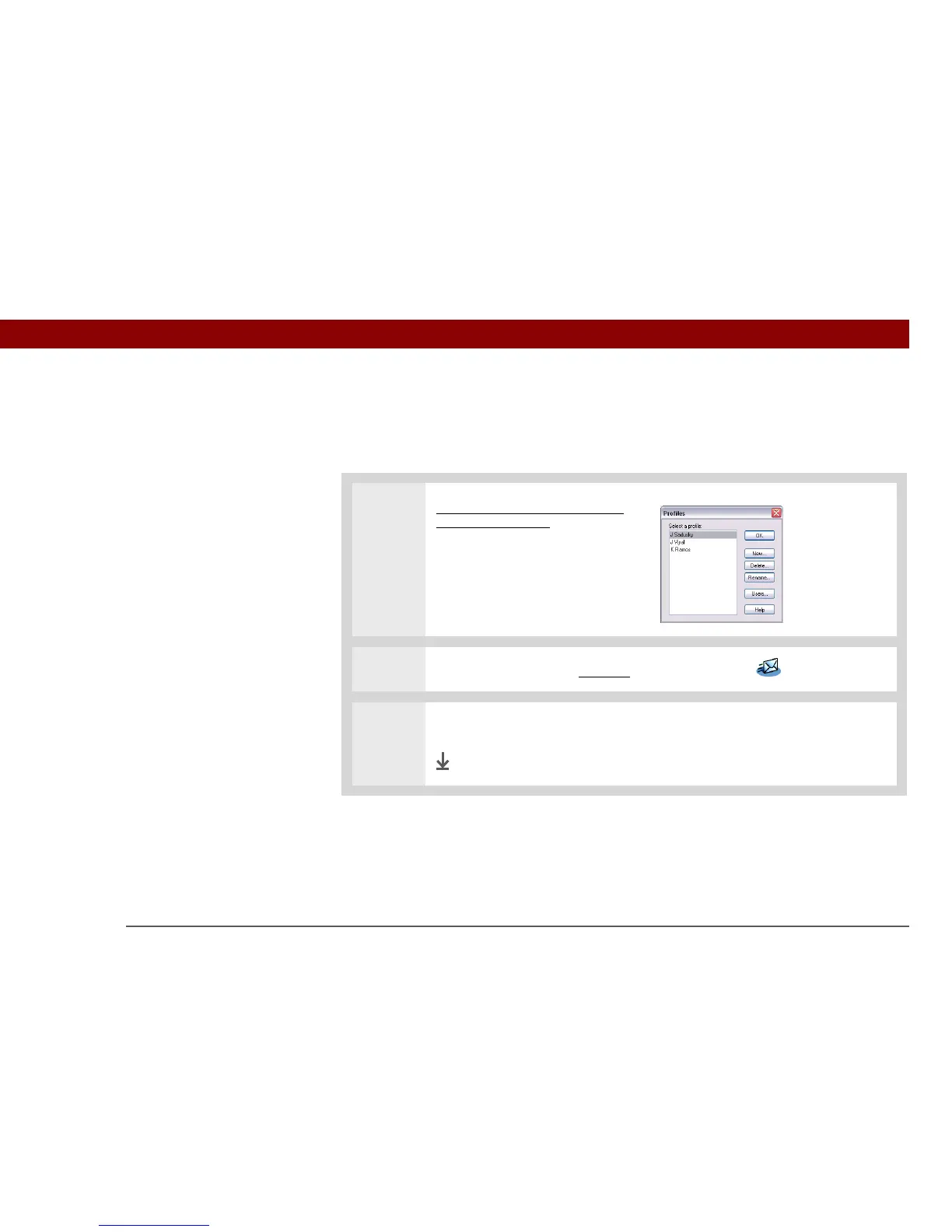
Synchronize your new handheld
with your computer. Select the
username associated with your
old handheld; this contains your
existing account information.
2
On your handheld, go to Favorites and select VersaMail .
3 Select Yes to accept the upgrade.
Done



 To Next Page