Tungsten™ E2 Handheld 445
CHAPTER 20 Managing Your Expenses
Creating a currency symbol
If the currency you want to use is not in the pick list of countries, you can create your own symbol.
0
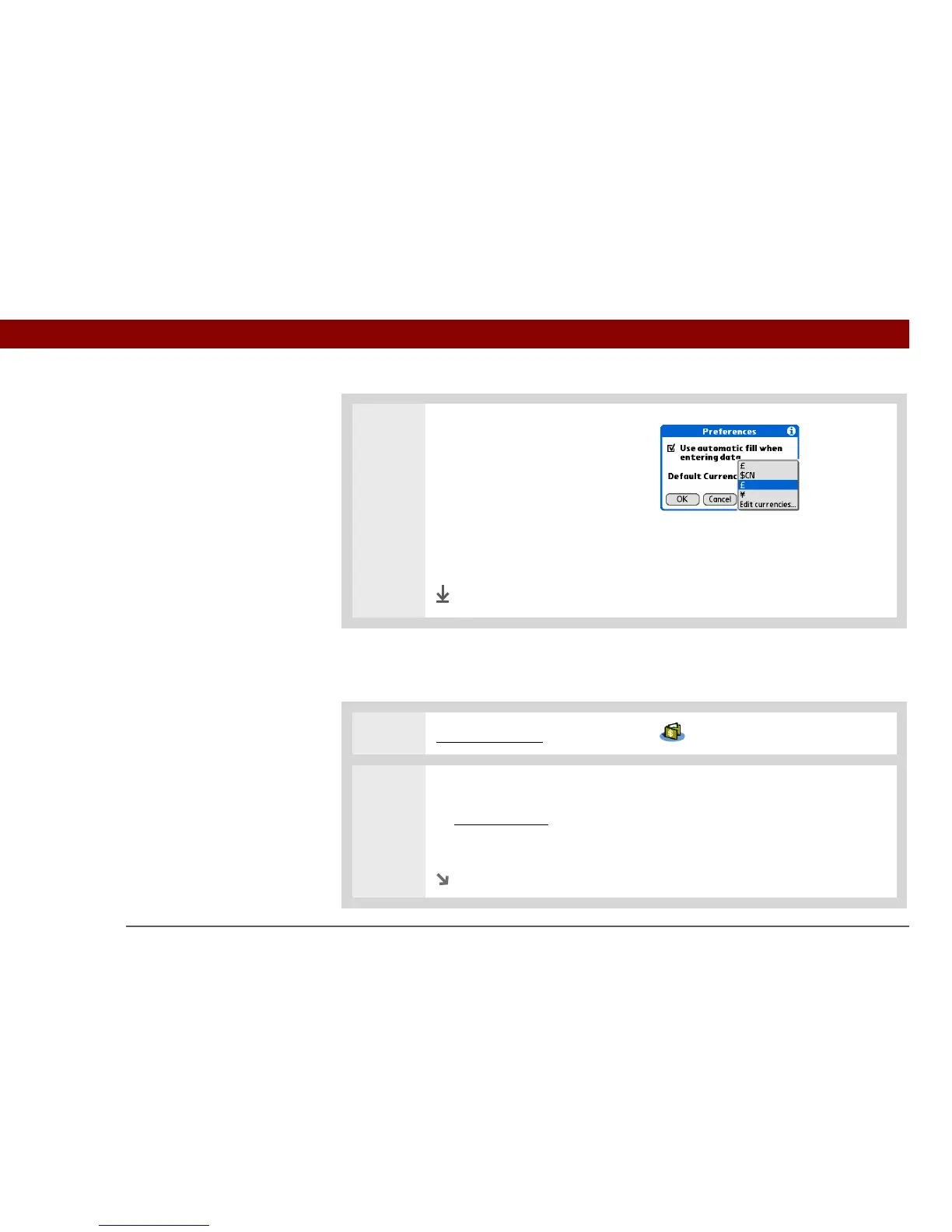
3 Choose the default currency:
a. Select the Default Currency
pick list.
b. Select the symbol you want to
appear when you add new
expenses.
c. Select OK.
0
Done
1 Go to Applications and select Expense .
2 Open the Custom Currencies dialog box:
a. Open the menus
.
b. Select Options, and then select Custom Currencies.
Continued



 To Next Page