Tungsten™ E2 Handheld 448
CHAPTER 20 Managing Your Expenses
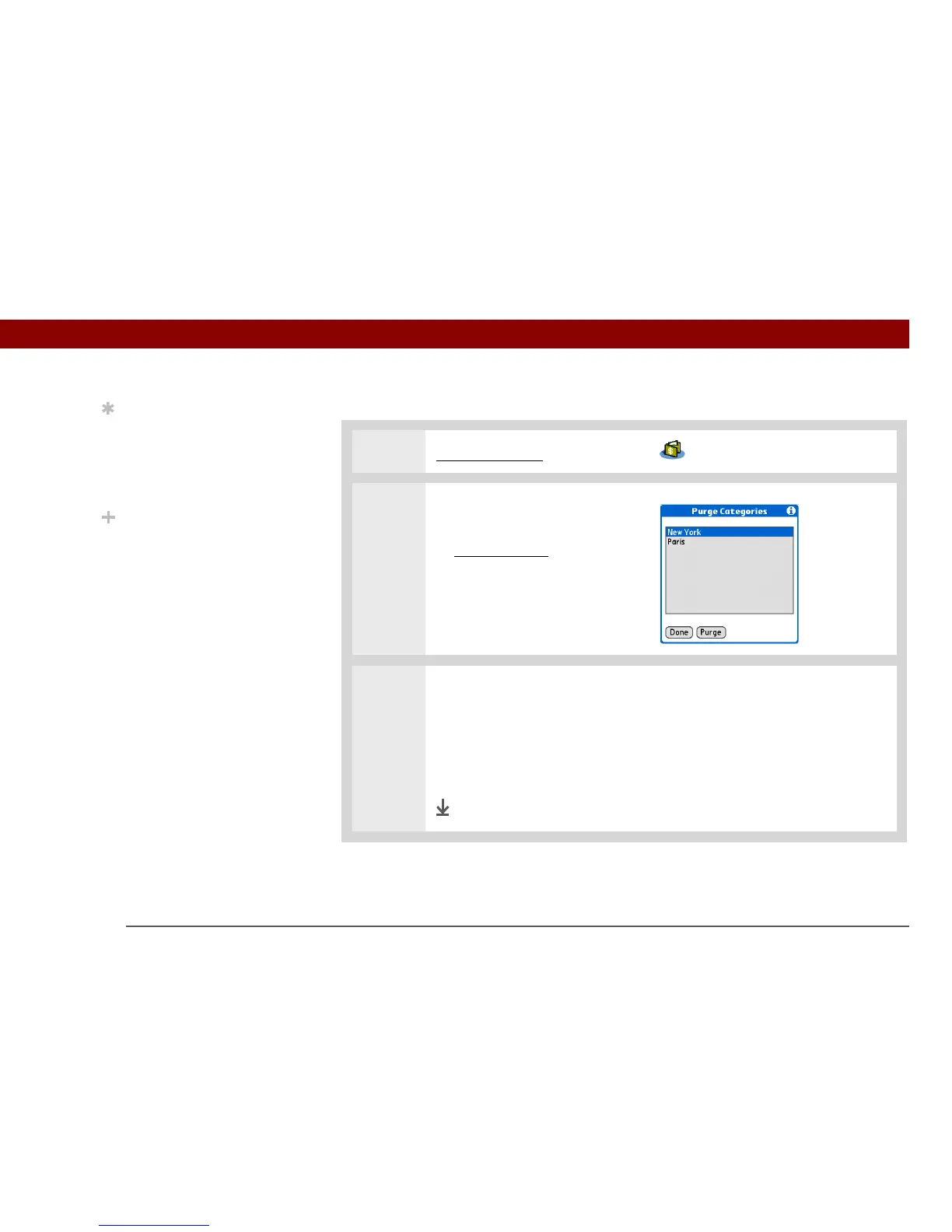
Deleting an entire category of expenses
0
1 Go to Applications and select Expense .
2 Open the Purge Categories
dialog box:
a. Open the menus
.
b. Select Purge on the Record
menu.
3 Delete the category and all of its items:
a. Select the category you want to delete.
b. Select Purge.
c. Select Done.
Done
Tip
To combine expenses
from different categories,
rename one category to
match the other
category’s name.
Did You Know?
There is another way to
delete a category. Select
the Category pick list and
select Edit Categories.
Select the Delete
command to delete the
selected category and
move all of its entries to
the Unfiled category.



 To Next Page