Tungsten™ E2 Handheld 338
CHAPTER 15 Sending and Receiving Email Messages
Setting synchronization options for your email account
If you have already set up an account on your handheld and have synchronized your
handheld with your computer, many of the synchronization options are already filled in.
0
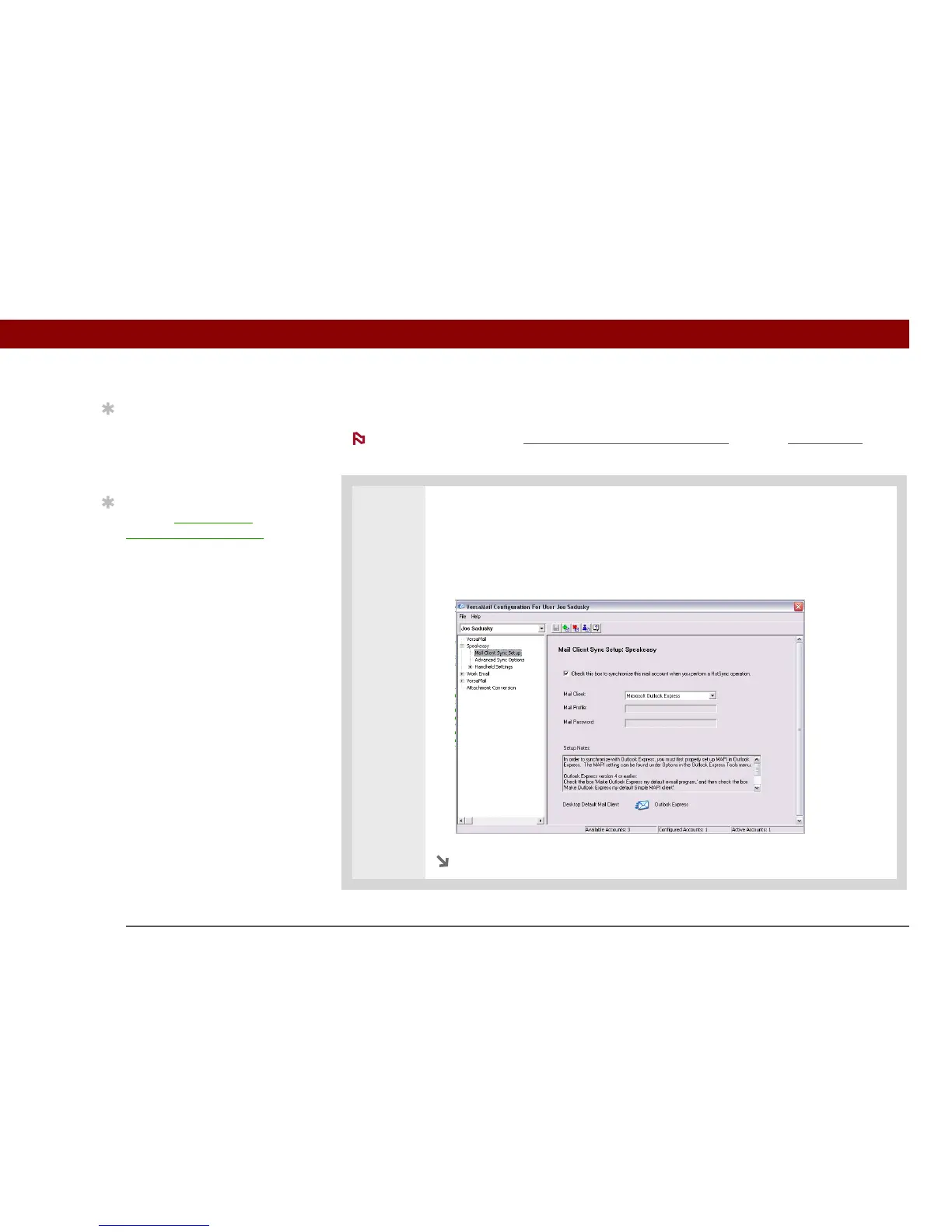
1 Open the synchronization options screen:
a. On the VersaMail Configuration For User screen, click the plus sign to the left
of the account you want to configure.
b. Under the account name, click Mail Client Sync Setup.
Continued
Tip
Read the Setup Notes box
for helpful setup
information or error
messages.
Tip
You can set advanced
synchronization options
such as how many days’
worth of messages to
synchronize, whether to
download attachments,
and whether to
synchronize email
folders.
NOTE



 To Next Page