Tungsten™ E2 Handheld 337
CHAPTER 15 Sending and Receiving Email Messages
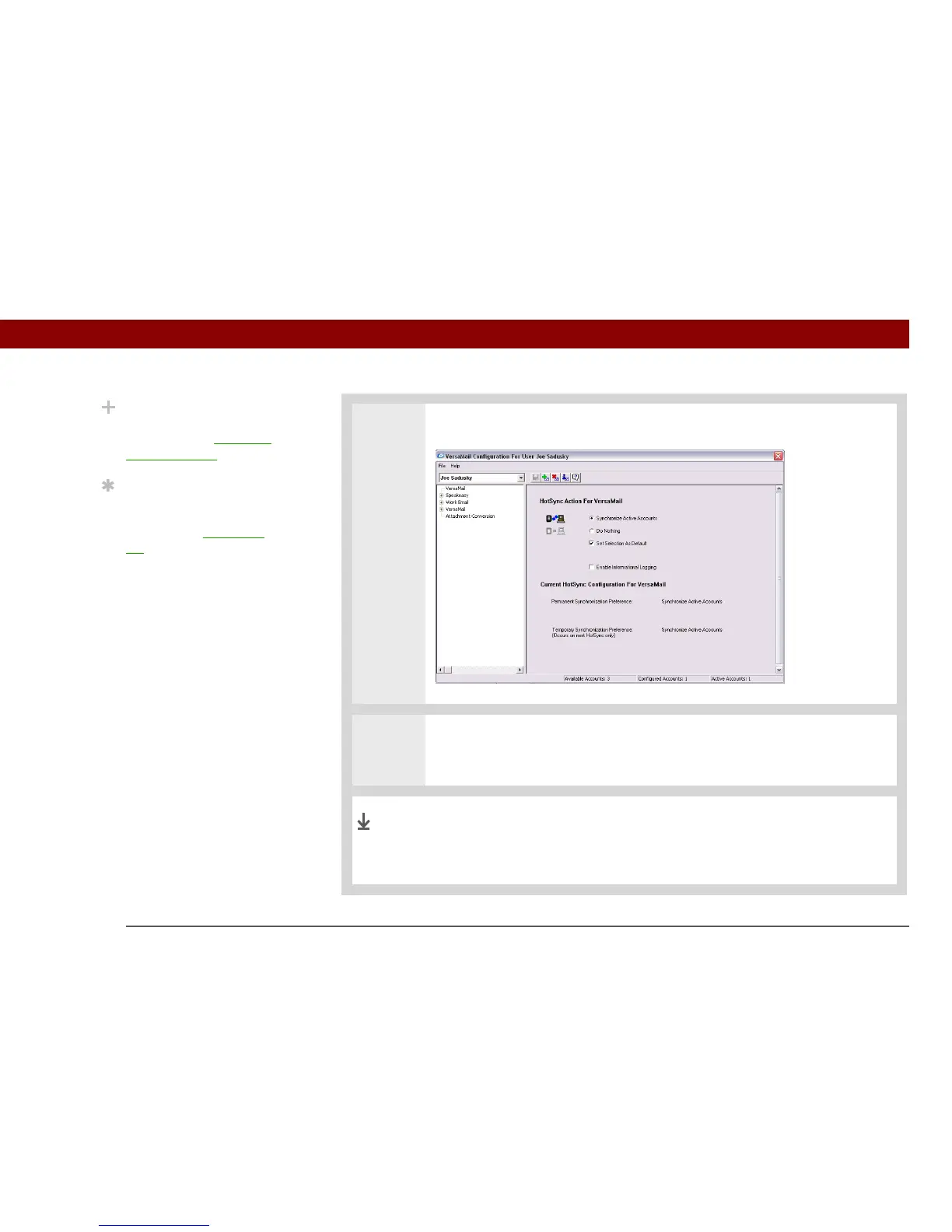
2 Select Synchronize Active Accounts.
3 [ & ] OPTIONAL If you want to include active email accounts every time you
synchronize, check the box Set Selection As Default. Otherwise, active accounts
are included only the next time you synchronize.
Your computer is now set up to synchronize email. Use the next
procedure to set options for each email account you want to
synchronize.
Did You Know?
An active account is an
account you’ve set up for
synchronization.
Tip
Check the box Enable
Informational Logging if
you want the HotSync
®
log to record information,
such as errors
encountered, about the
conduit during
synchronization.
Done



 To Next Page