Tungsten™ E2 Handheld 147
CHAPTER 7 Managing Your Calendar
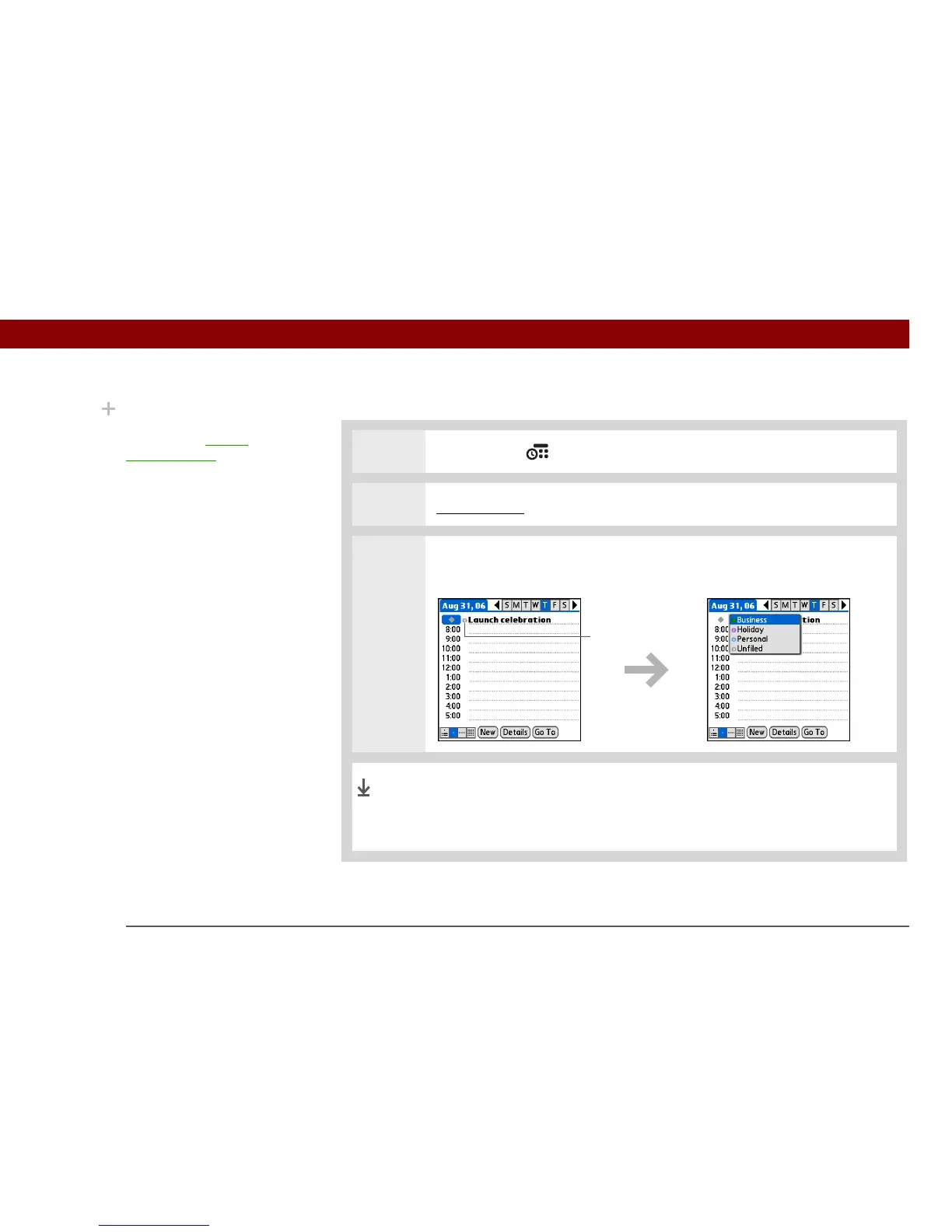
Assigning a color code to an event
0
1 Press Calendar .
2 Enter the event you want to color-code.
3 Select the category marker next to the description, and then select a category
from the list.
In Agenda View and Day View the category marker next to the
event is color-coded. In Week View and Month View the symbol
for the event is color-coded.
Did You Know?
In Day View and Month
View you can set the
Display Options to show
the category list so that
you can view all your
events or just the events
for a single color-code.
Category
marker
Done



 To Next Page