Tungsten™ E2 Handheld 518
CHAPTER 25 Customizing Your Handheld
Customizing the way you enter information
Your handheld lets you choose how you enter information. You can choose the writing area,
choose Graffiti
®
2 strokes, and create ShortCuts to make entering information faster.
Choosing the input area
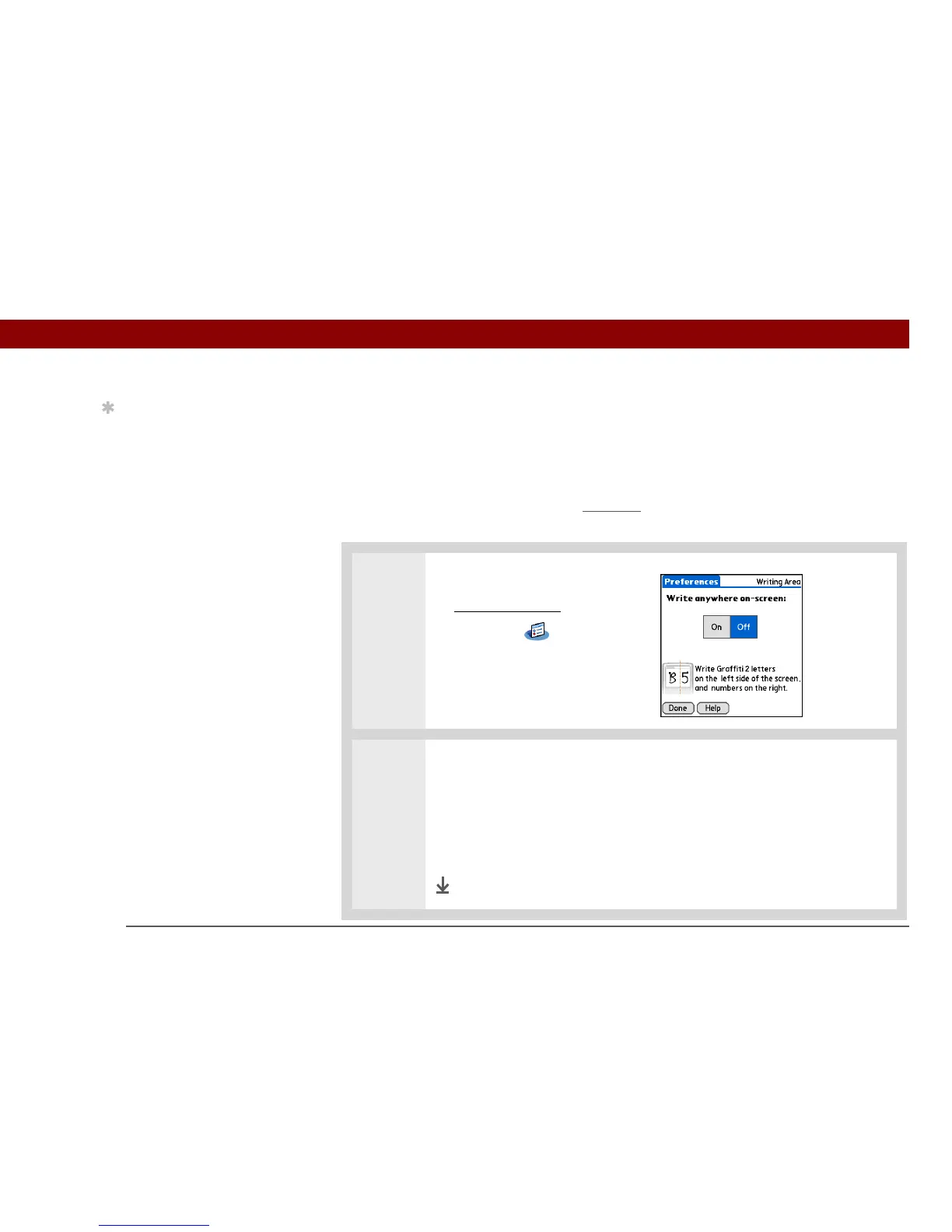
You can write Graffiti 2 characters in the input area, or you can turn on Writing Area Preferences
and use the full screen for Graffiti 2 writing; you do not have to write in the input area.
0
1 Open Writing Area Preferences:
a. Go to Applications
.
b. Select Prefs .
c. Select Writing Area.
2 Tap one of the following, and then select Done:
On Turns on the full-screen writing area. When you select this option, a box
appears for you to check if you want to see your strokes as you write.
Off Turns off the full-screen writing area. When you select this option you
must use the input area for Graffiti 2 writing.
Done
Tip
You can’t use Note Pad
when full-screen writing
is turned on.



 To Next Page