Tungsten™ E2 Handheld 487
CHAPTER 23 Using Categories to Organize Information
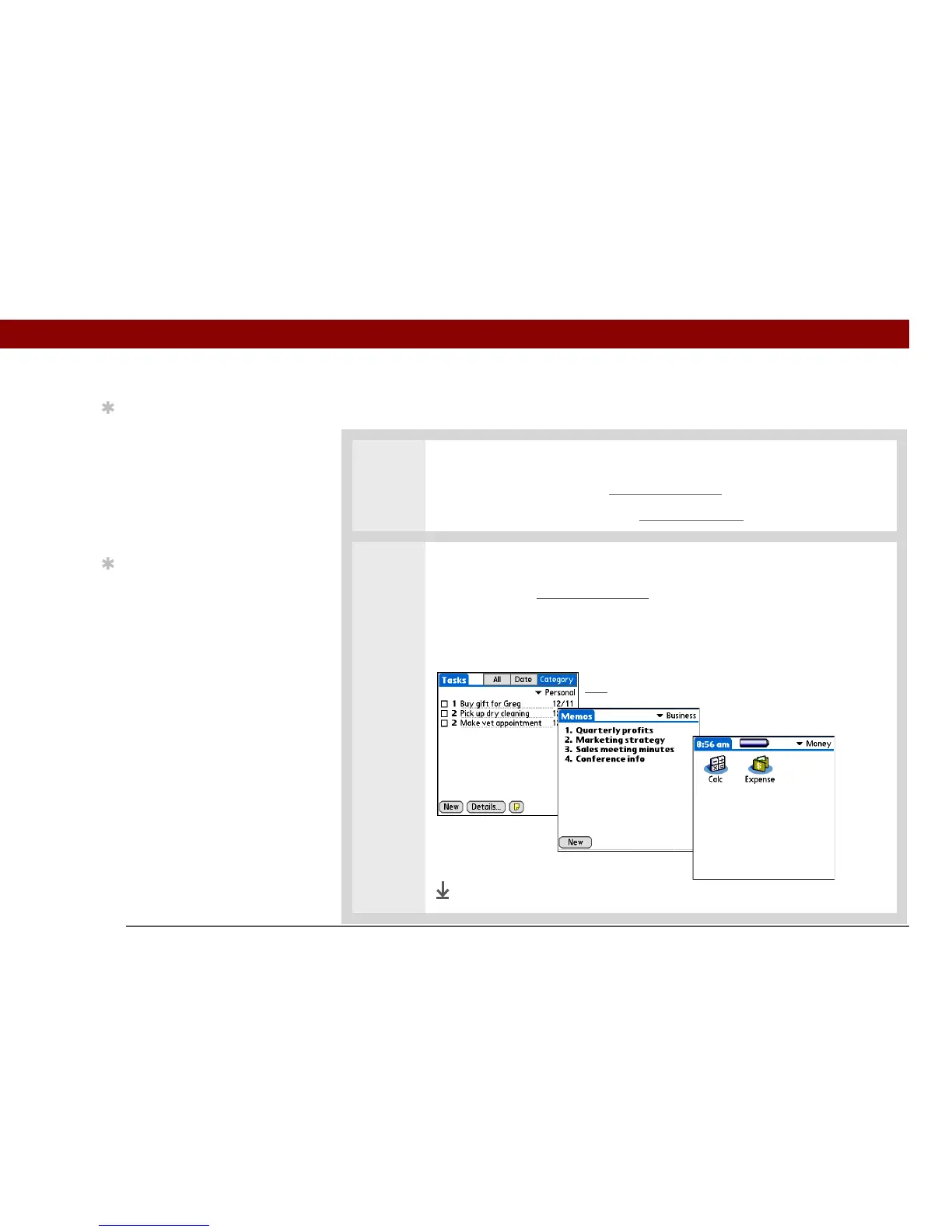
Viewing information by category
0
1 Do one of the following:
• To view entries by category, open an application
that contains categories.
• To view applications by category, go to Applications
.
2 Display the category you want to view:
Calendar Select Show Category List
, and then select the category you want to
view from the pick list.
All other applications Select the category you want to view from the pick list
in the upper-right corner.
Done
Tip
In Applications view,
scroll through the
categories by pressing
Right or Left on the 5-way
navigator. To view all of
the applications on your
handheld, select the All
category.
Tip
Scroll through the
categories in Contacts by
repeatedly pressing the
Contacts button.
Pick list



 To Next Page