Tungsten™ E2 Handheld 331
CHAPTER 15 Sending and Receiving Email Messages
Downloading large attachments
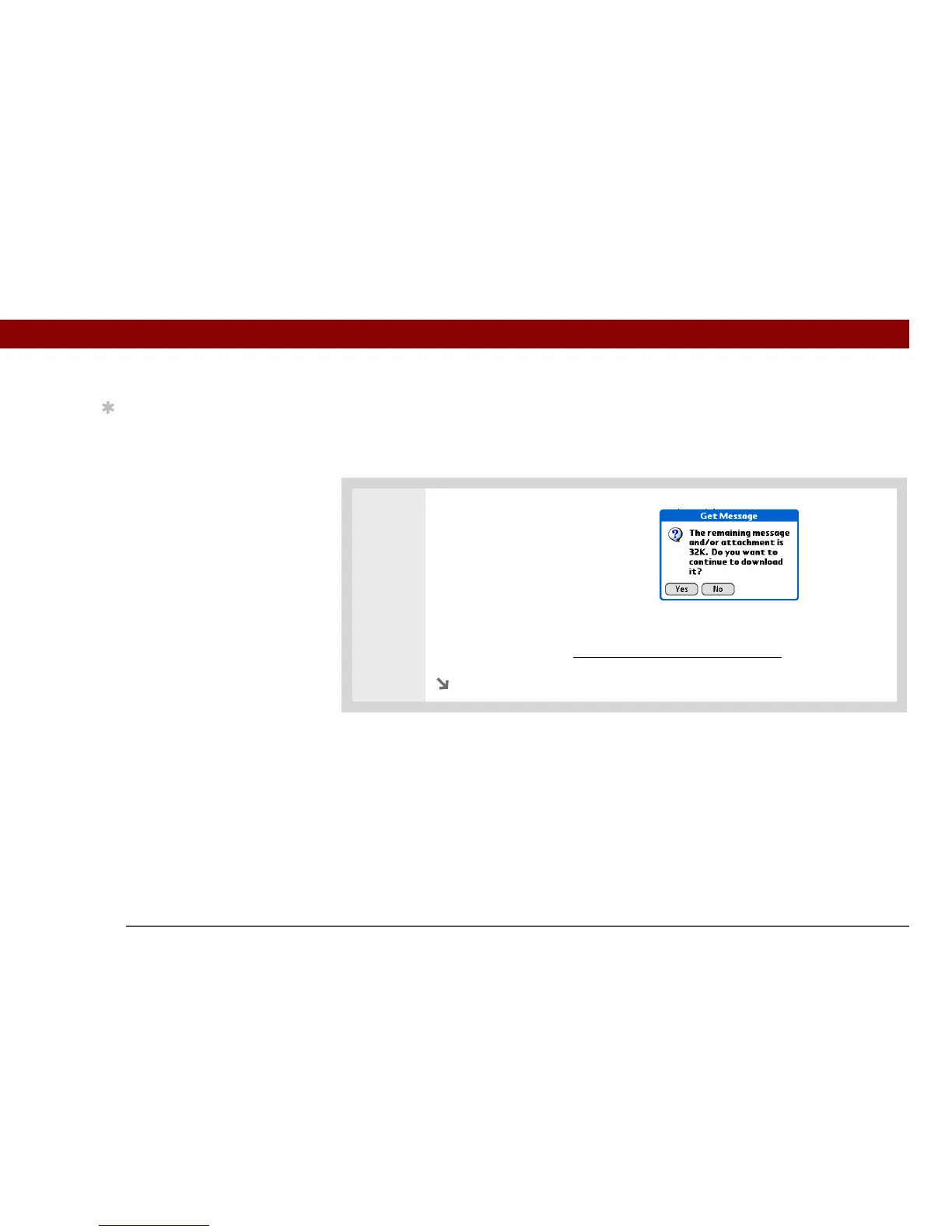
Downloading and viewing a message with a single attachment that exceeds your maximum
message size, or a message with multiple attachments whose total size exceeds your maximum
message size, requires some extra steps.
0
1
To download a single attachment
that exceeds the maximum
message size:
a. On the message screen, select
More.
b. Select Yes to continue downloading the entire message with attachment.
c. When downloading is complete, the red paper clip icon appears and More is
no longer displayed. Save, view, or i
nstall the attachment.
Continued
Tip
When you see both a red
paper clip icon and the
More button in the
Message screen, that
means that some
attachments to this
message were
downloaded, but others
remain to be
downloaded.



 To Next Page