Tungsten™ E2 Handheld 243
CHAPTER 13 Writing Notes in Note Pad
Deleting a note
0
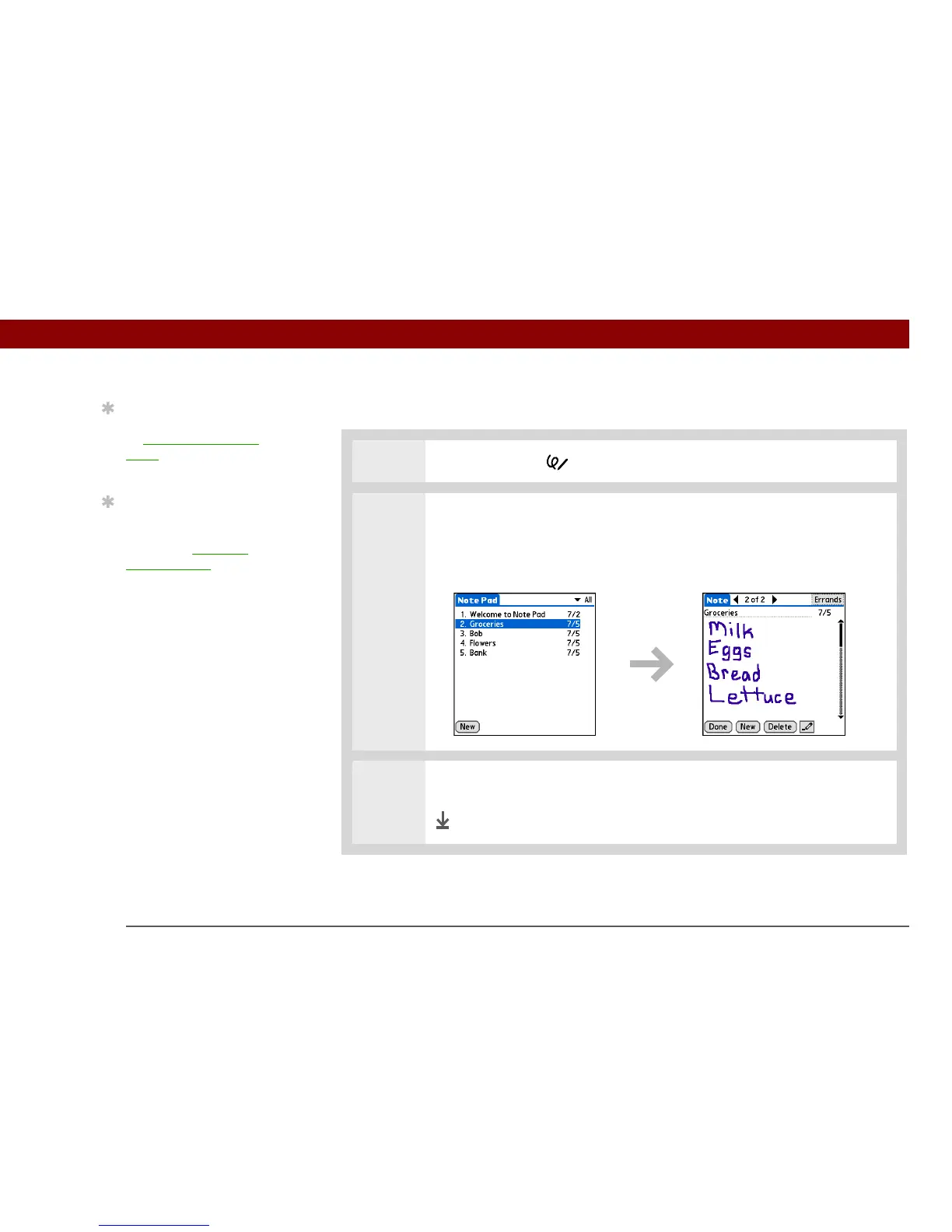
1 Press the Note Pad button.
2 Open the note:
a. Select Done to display the Note Pad list.
b. Select the note you want to delete.
3 Select Delete, and then select OK to confirm deletion.
Done
Tip
You can also delete a note
by opening the Record
menu and selecting
Delete Note.
Tip
Want to get rid of those
deletion confirmation
messages? Open the
Options menu, select
Preferences, and then
uncheck the Confirm note
delete box.



 To Next Page