Tungsten™ E2 Handheld 250
CHAPTER 14 Making Bluetooth Wireless Connections
Setting up a Bluetooth phone connection
To set up a phone connection, you must have a GSM or GPRS mobile phone
enabled with data services.
You can form a trusted pair between your handheld and your mobile phone. Once you have set up
the trusted pair connection, you automatically connect to your phone when you want a Bluetooth
connection.
0O
1
Go to Favorites and select Bluetooth .
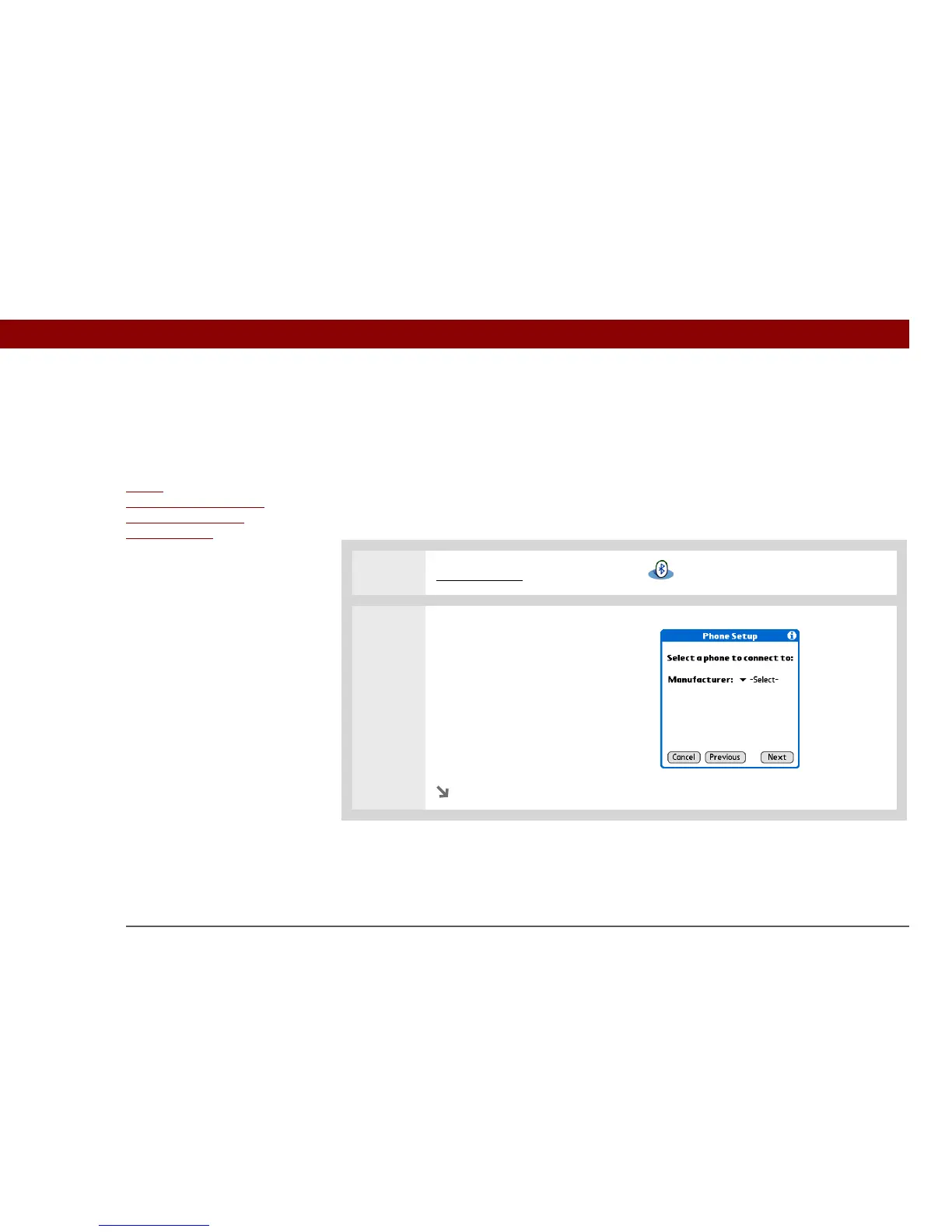
2 Open the Phone Setup dialog
box.
a. Select Setup Devices.
b. Select Phone Setup.
c. Select Phone Connection.
d. Select Next.
Continued
Before You Begin
If you have an IR phone,
you must download the
Phone Link application
from the web. Go to
http://
www.palmOne.com/us/
support/downloads/
phonelink.html to
download the software.
»
Key Term
Trusted pair Two
devices—for example,
your handheld and your
mobile phone—that can
connect to each other
because each device can
find the same passkey on
the other device. Once
you form a trusted pair
with a device, you do not
need to enter a passkey to
connect with that device
again.
IMPORTANT
[
! ]



 To Next Page