Tungsten™ E2 Handheld 325
CHAPTER 15 Sending and Receiving Email Messages
Marking messages as read or unread
When you select a message to read it, it is automatically marked as read. You can also manually
mark messages as read or unread.
0
1 Select the message or messages to mark:
a. In the Inbox or on another folders screen, select the folders pick list, and then
select the folder containing the message you want to mark.
b. Tap the icon next to the message you want to mark. To mark multiple
messages, tap the bullets next to the messages you want to mark.
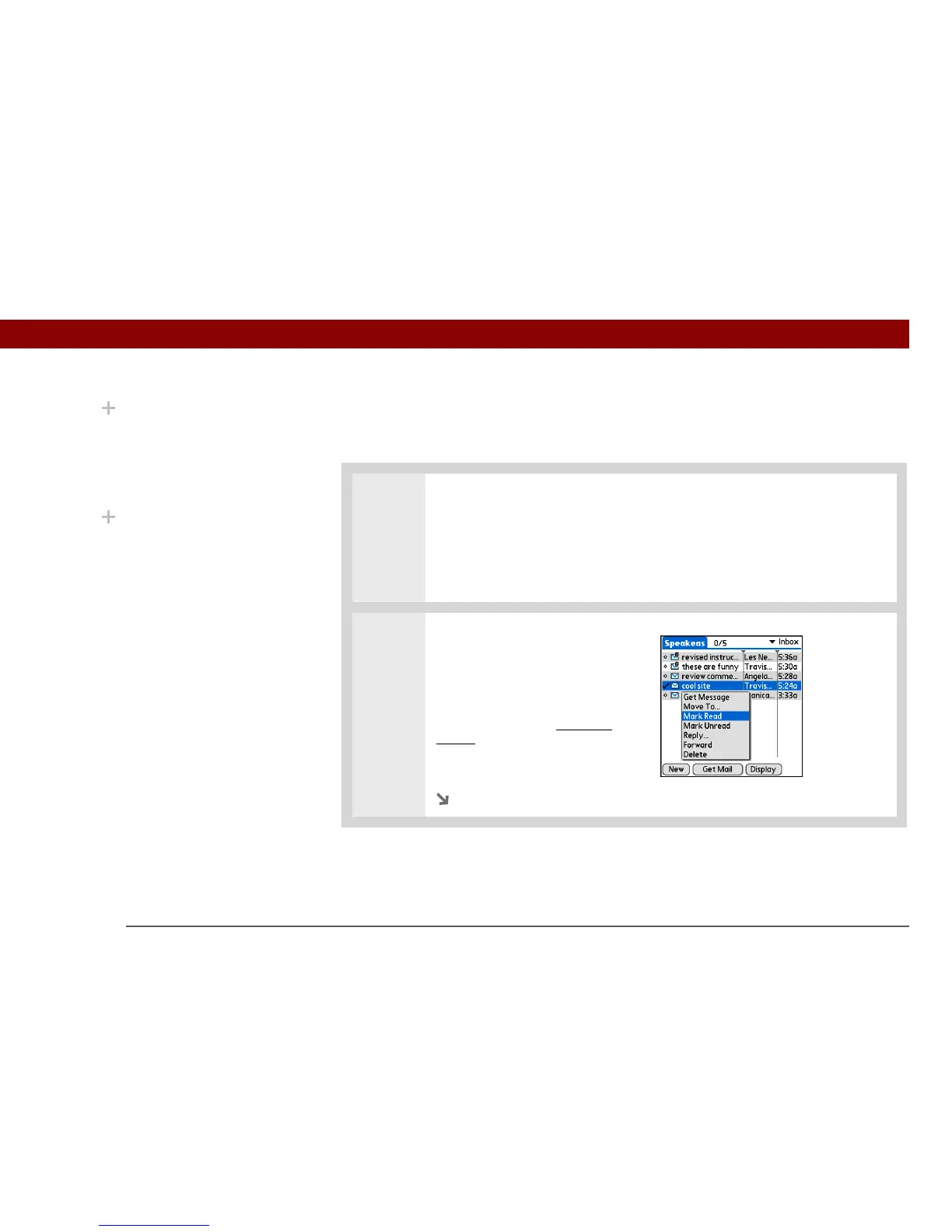
2 Do one of the following to mark
the message or messages:
Single message Select Mark
Read or Mark Unread on the list.
Multiple messages Open the
menus, select Message, and then
select Mark Read or Mark
Unread.
Continued
Did You Know?
In one-line view, read
messages appear in plain
text in the message list;
unread messages appear
in bold text.
Did You Know?
POP mail servers do not
support the read or
unread message feature.
For POP accounts,
messages that you mark
appear in plain or bold
text on your handheld,
but the difference is not
recognized on the server.



 To Next Page