Tungsten™ E2 Handheld 262
CHAPTER 14 Making Bluetooth Wireless Connections
Setting up a connection to a Bluetooth network
0
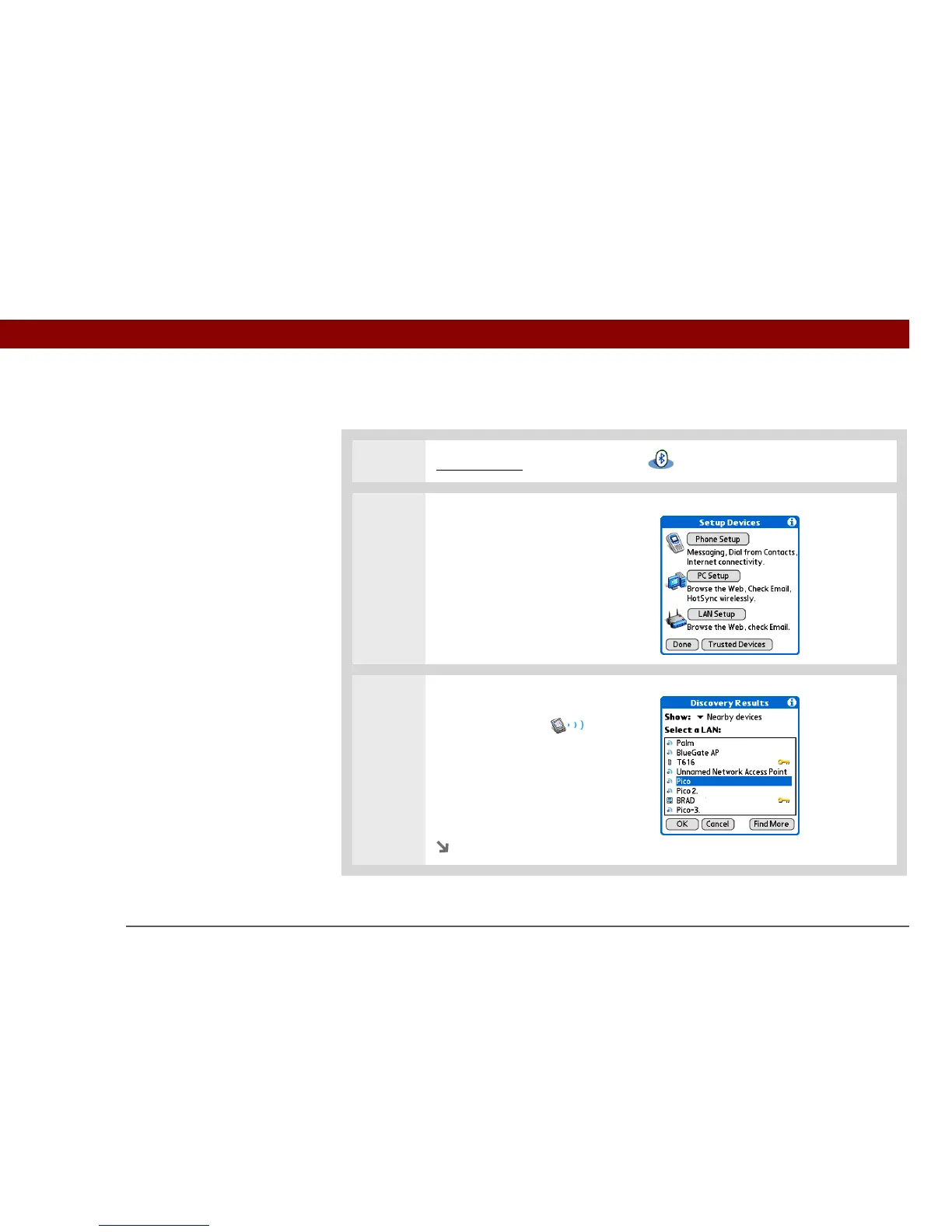
1 Go to Favorites and select Bluetooth .
2 Open the PC Setup dialog box:
a. Select Setup Devices.
b. Select LAN Setup.
c. Select Next.
3 Select a LAN and select OK.
The Discovery icon
appears to indicate that the
discovery process is active.
If the LAN did not show up on
the discovery results, select Find
More to search again.
Continued
Before You Begin



 To Next Page