Tungsten™ E2 Handheld 288
CHAPTER 15 Sending and Receiving Email Messages
Adding ESMTP to an account
Some services require ESMTP authentication to validate your username and password on an
SMTP server. If you aren’t sure if your ISP or web email provider supports ESMTP, check with your
email provider.
0
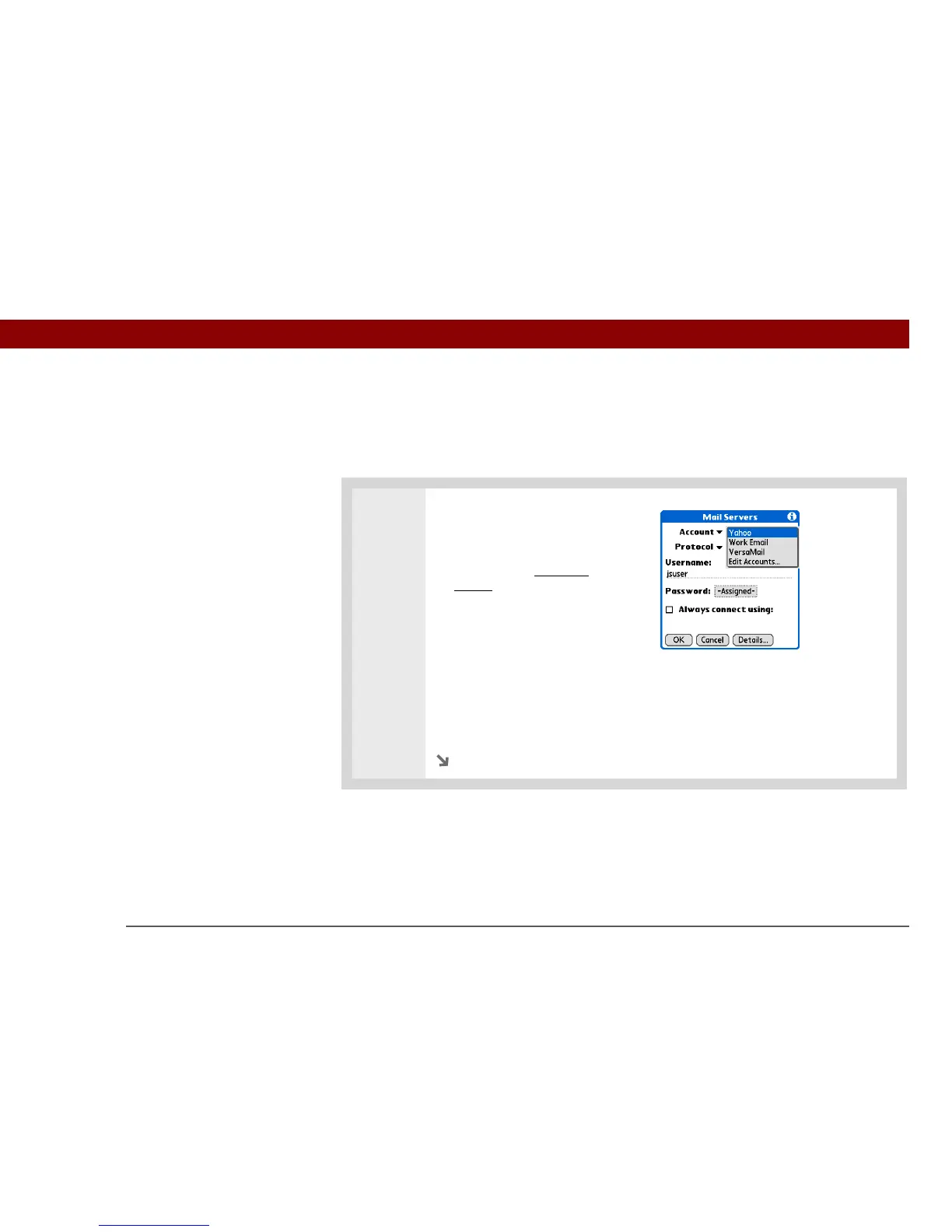
1 Select the account to which you
want to add ESMTP:
a. In your Inbox or on another
folder screen, open the
menus.
b. Select Options, and then
select Mail Servers.
c. Select the Account pick list,
and then select Edit Accounts.
d. Select the name of the
account you want to change,
and then select OK.
Continued



 To Next Page